

How to copy text from a photo on iPhone and Android
Short answer
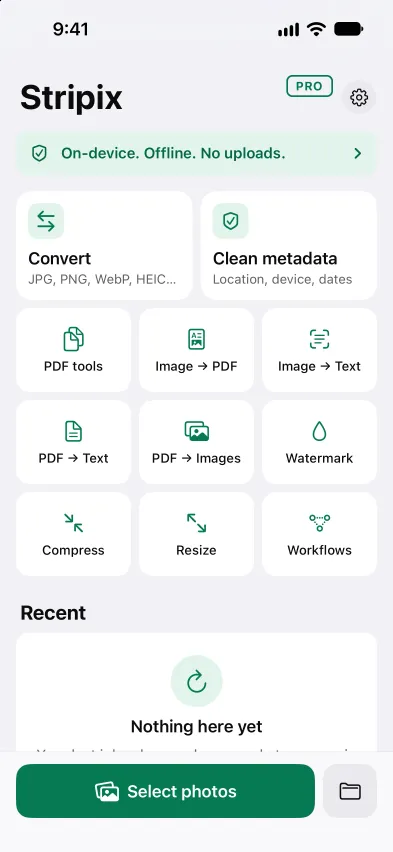
Open Stripix, tap Image → Text, pick the photo and tap Recognize text. Stripix reads the text on your phone, and you tap Copy all or Save .txt. Image to text shows the tool at a glance.
With Stripix
A photo of a page, a receipt or a sign holds text you would rather not retype. Stripix reads it on your phone. Nothing is uploaded, and no account is needed. On iPad and Mac it works the same, from the sidebar.
Step 1: Open Image → Text
Open Stripix and tap Image → Text on Home. Pick a photo from the photo picker (iPhone and Android) or a scan from Files.
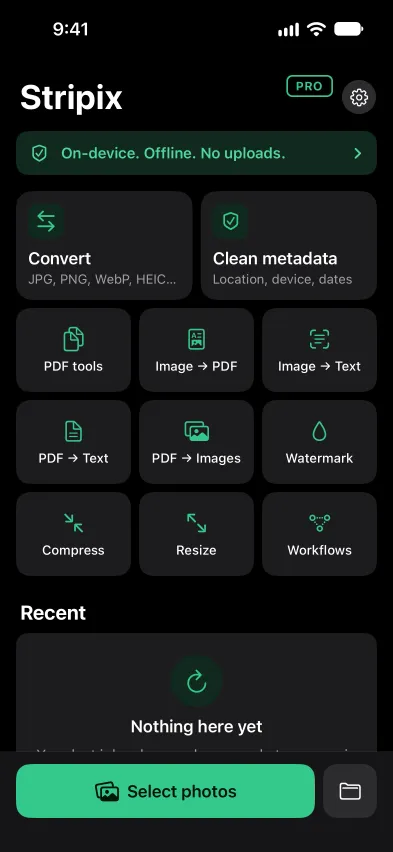
Home. Image → Text sits with the other tools.
Step 2: Check the page
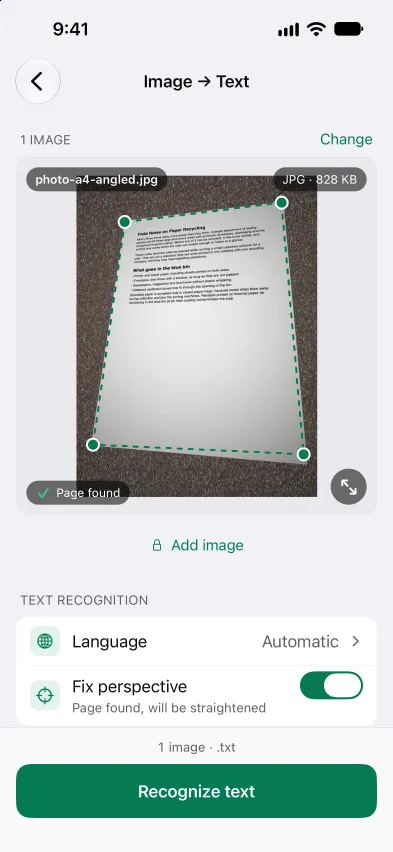
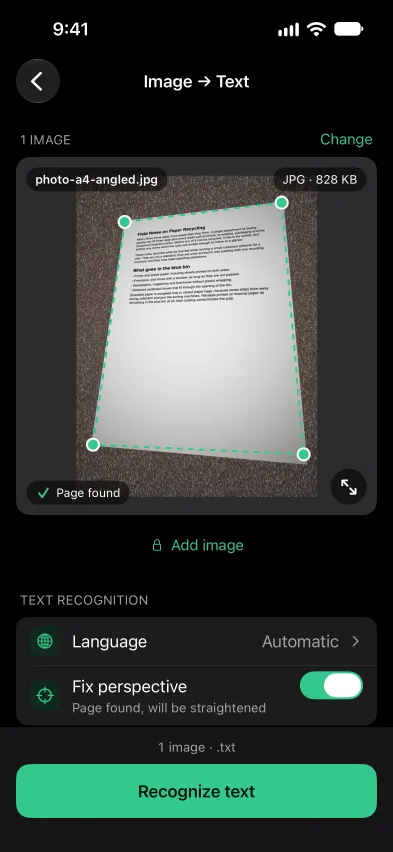
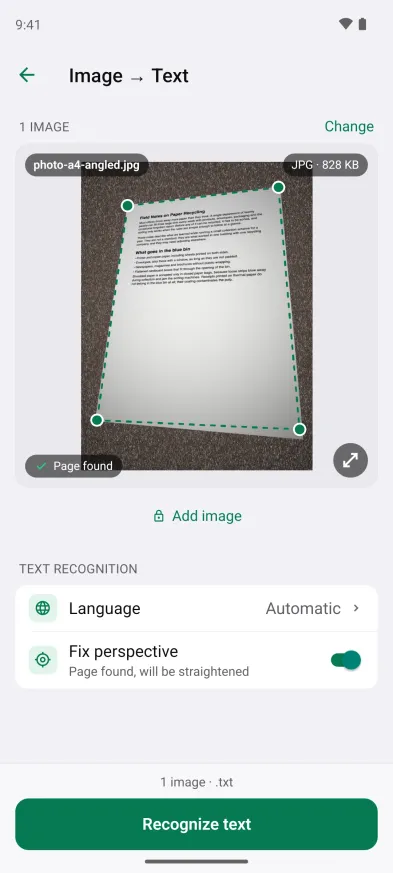
Stripix looks for the page in the photo. When it finds one, a line says Page found, will be straightened, so a page shot at an angle is read as if it were flat. Turn Fix perspective off if you want the whole image read as it is.
The photo with its page found. Fix perspective is on.
Step 3: Recognize, then copy or save
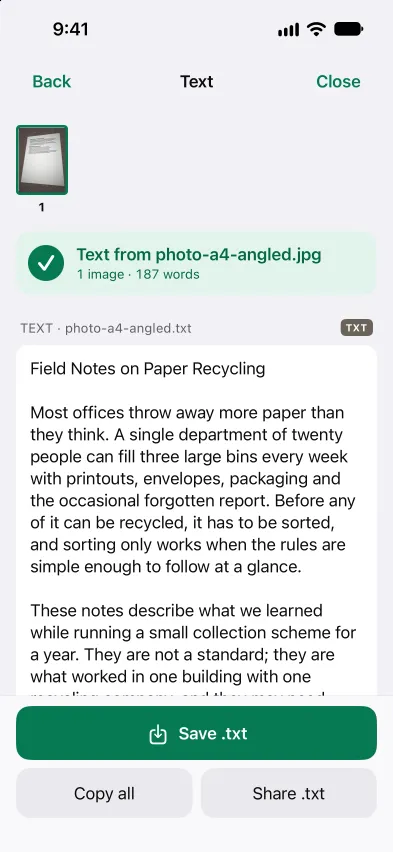
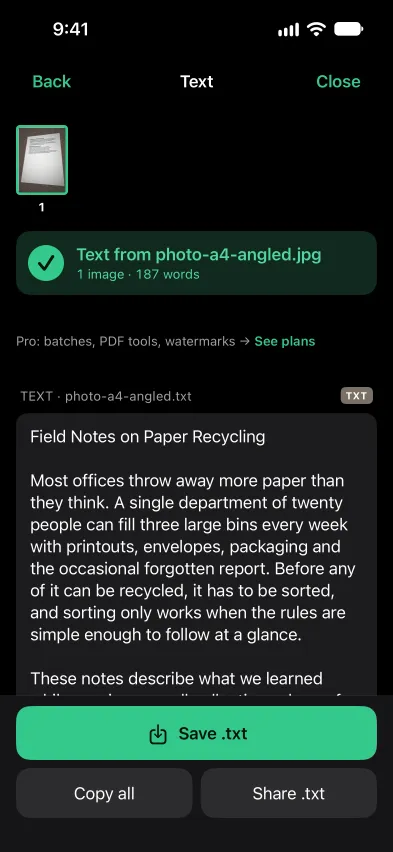
Tap Recognize text. Each image takes a few seconds. The results screen shows the text and its word count. Tap Copy all to put it on the clipboard, Save .txt to keep it as a file, or Share .txt to send the file on.
The recognized text, ready to copy or save.
Step 4: On Android
The steps are the same on Android. Open Image → Text, pick the photo and tap Recognize text.
Image → Text on Android.


Good to know
- It reads printed text. Photos of documents, receipts, letters and signs work best when the text is sharp and well lit. To keep the photo itself as a document, turn it into a PDF instead.
- Several images need Pro. Free reads one image at a time. With Pro you can read many and get one .txt file or a .txt file each.
- It is not a PDF. For a PDF, extract the text from the PDF instead.
Questions
Is it free?
Yes, one image at a time. Reading several images in one go is part of Pro.
Does it need internet?
No. Stripix recognizes the text on your phone, and the photo is never uploaded.
What if the page is shot at an angle?
Stripix looks for the page and straightens it before it reads. Fix perspective is on by default, and you can turn it off.
What do I get?
The recognized text on the results screen. Tap Copy all to put it on the clipboard or Save .txt to keep it as a text file.