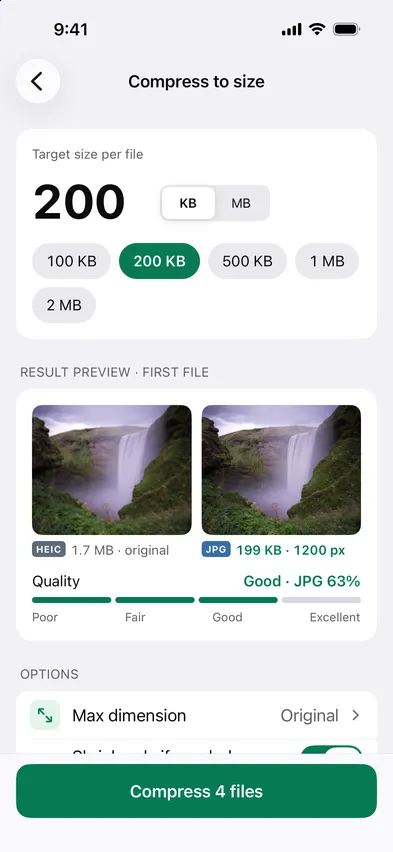
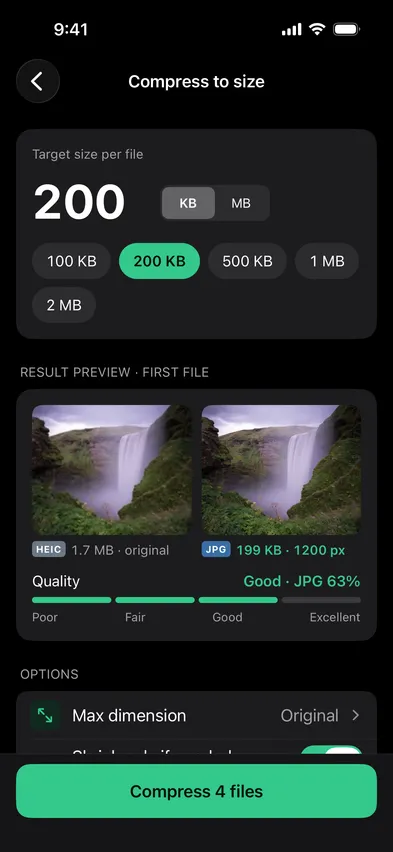
Open Stripix, choose Compress and set the exact size you need, like 200 KB. It finds the best quality that fits, on your phone, and never uploads the photo.

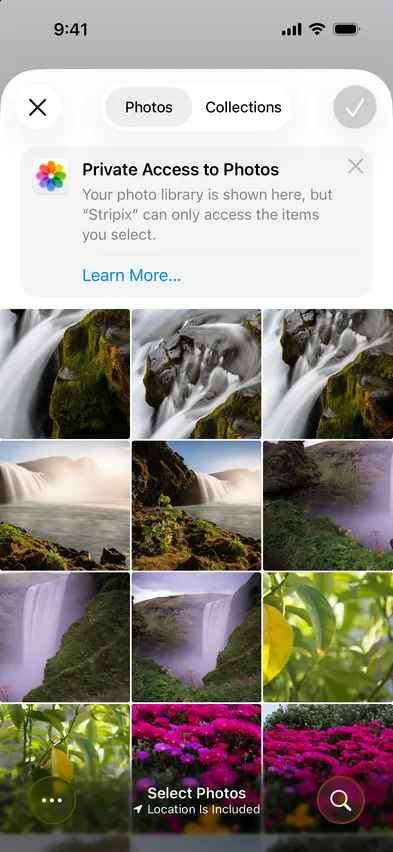
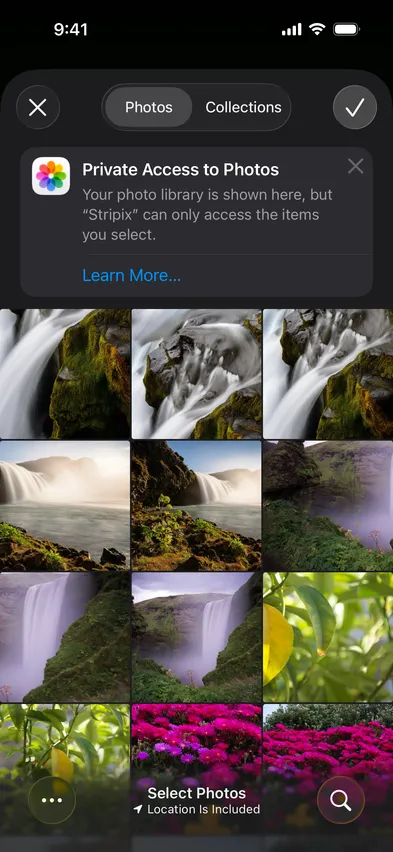


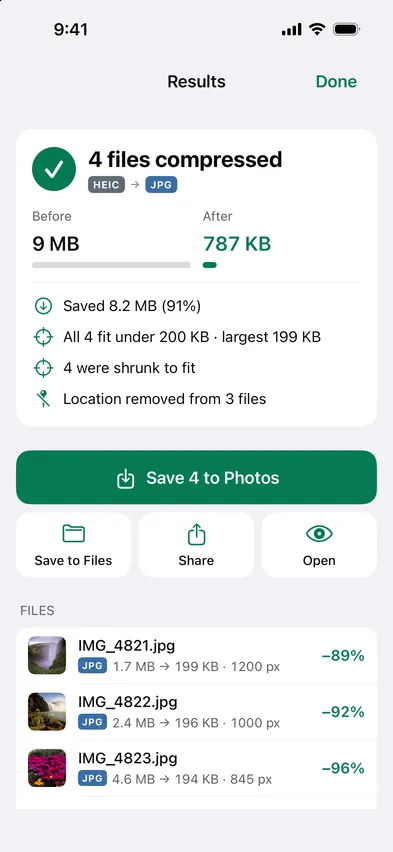
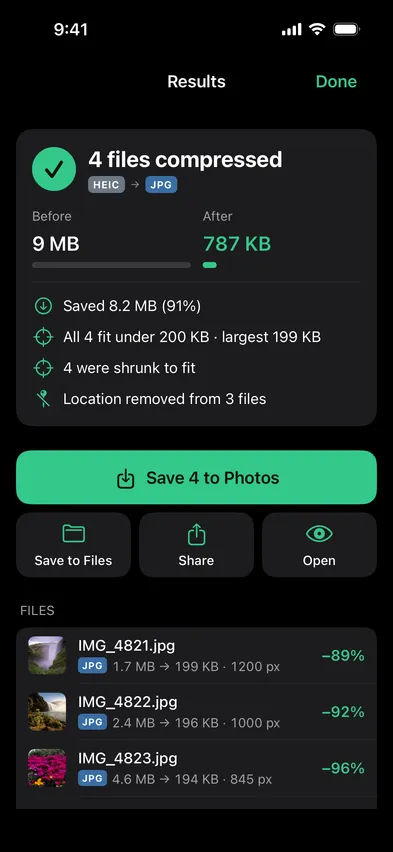
Portal uploads are often ID photos and scans. Stripix shrinks them without sending them anywhere.
How your data is handledStripix keeps the quality at Good or better. When a target can't be reached that way, Shrink only if needed makes the photo smaller in pixels instead, so it stays sharp at the size a form shows it. The preview works this out on the first file before anything is saved and tells you the quality it lands at, or the new size in pixels. Max dimension caps the pixels up front, Output format keeps the format or changes it, and Metadata decides what stays. The original in your photo library is never touched.
Stripix tells you before you compress. It offers a size in pixels that fits, or Shrink if needed.
Yes, set pixels as well as size.
Yes, with Pro.
Tap 100 KB, 200 KB, 500 KB, 1 MB or 2 MB, or type your own in KB or MB. The target applies to each file.
 Stripix
Hit any upload size limit.
Free to try. Your photos never leave your device.