Stripix
Get the app
Photos to PDFJPGPDF

Turn photos into a PDF on your phone

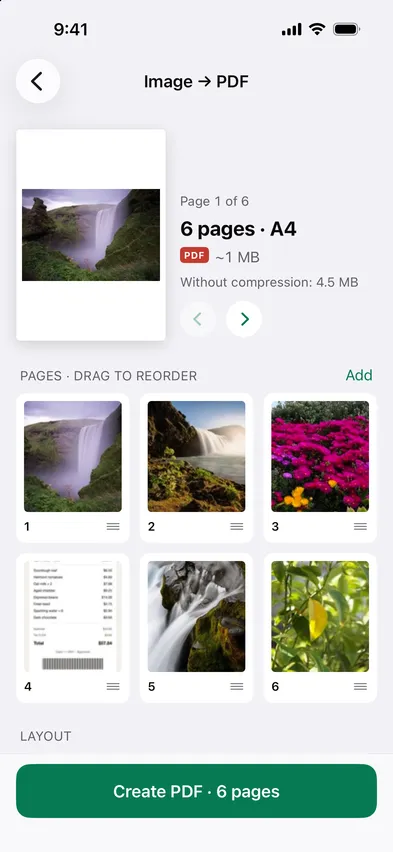
Open Stripix, choose Photos to PDF and pick your photos or scans. They become one PDF on your phone — page order, size and compression are up to you, and nothing is uploaded.

Free for a single photo. Multi-page PDFs need Pro.
On-device · Never uploadedWorks offline
HOW TO IN STRIPIX

How to turn photos into a PDF in Stripix

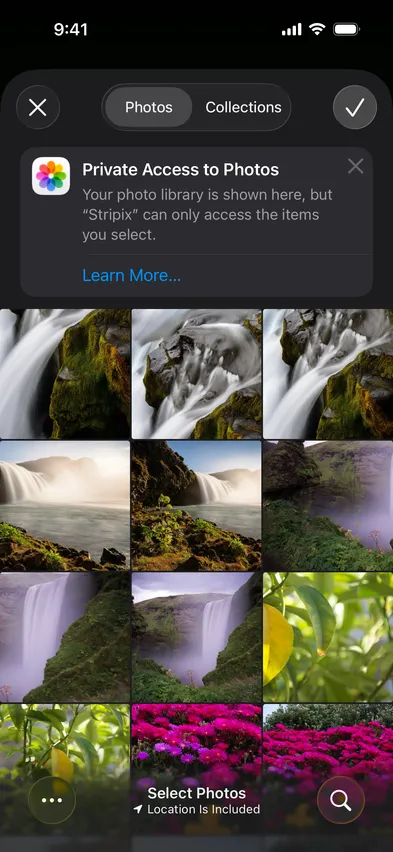
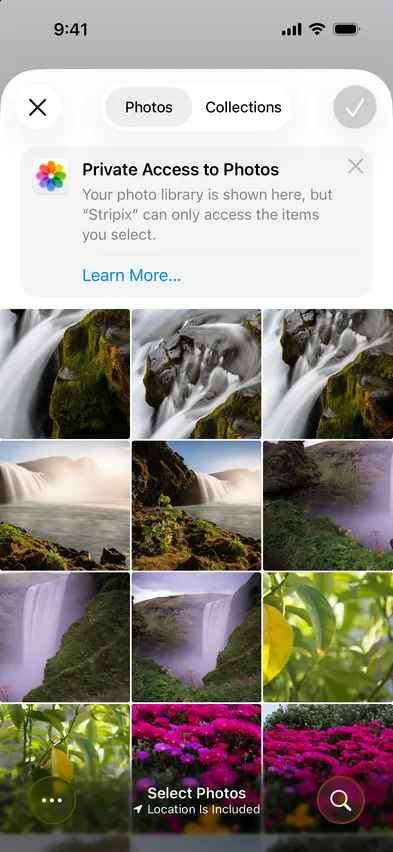
  1. 1Pick the photosReceipts, scans, screenshots, from the photo picker (iPhone and Android) or Files. Drag to reorder.
    Stripix photo picker screenStripix photo picker screen
  2. 2Set the pageA4 or Letter, fit or fill, and a target size if you need one.
    Stripix Image → PDF screenStripix Image → PDF screen
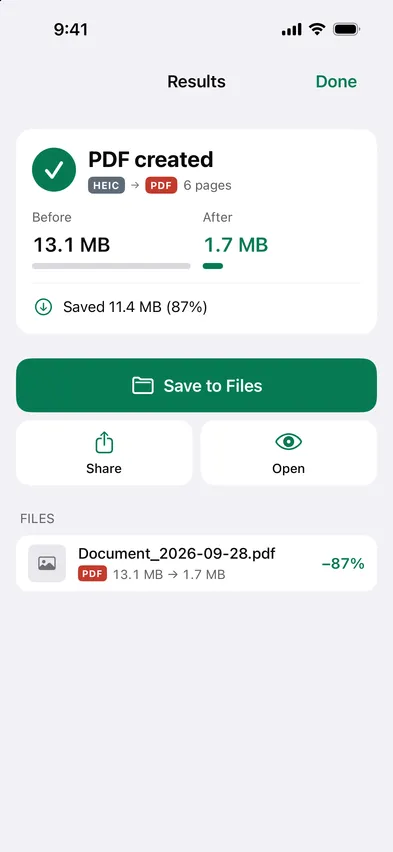
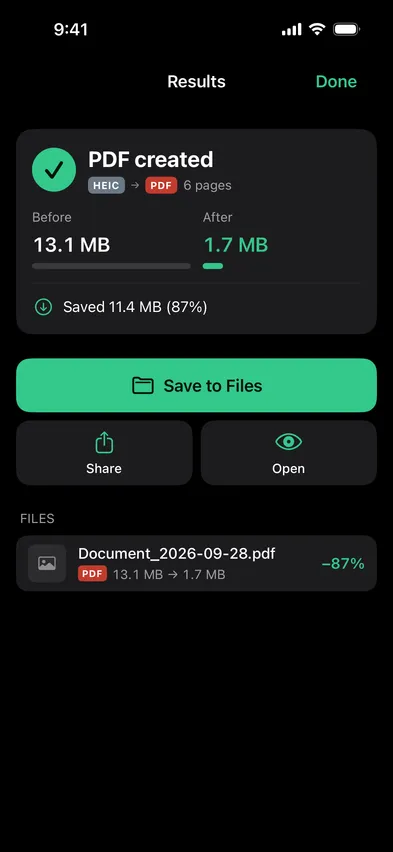
  3. 3SaveThe PDF lands in a folder you pick in Files. Photos are kept.
    Stripix Image → PDF results screenStripix Image → PDF results screen
WHY ON-DEVICE

Your documents stay on your phone

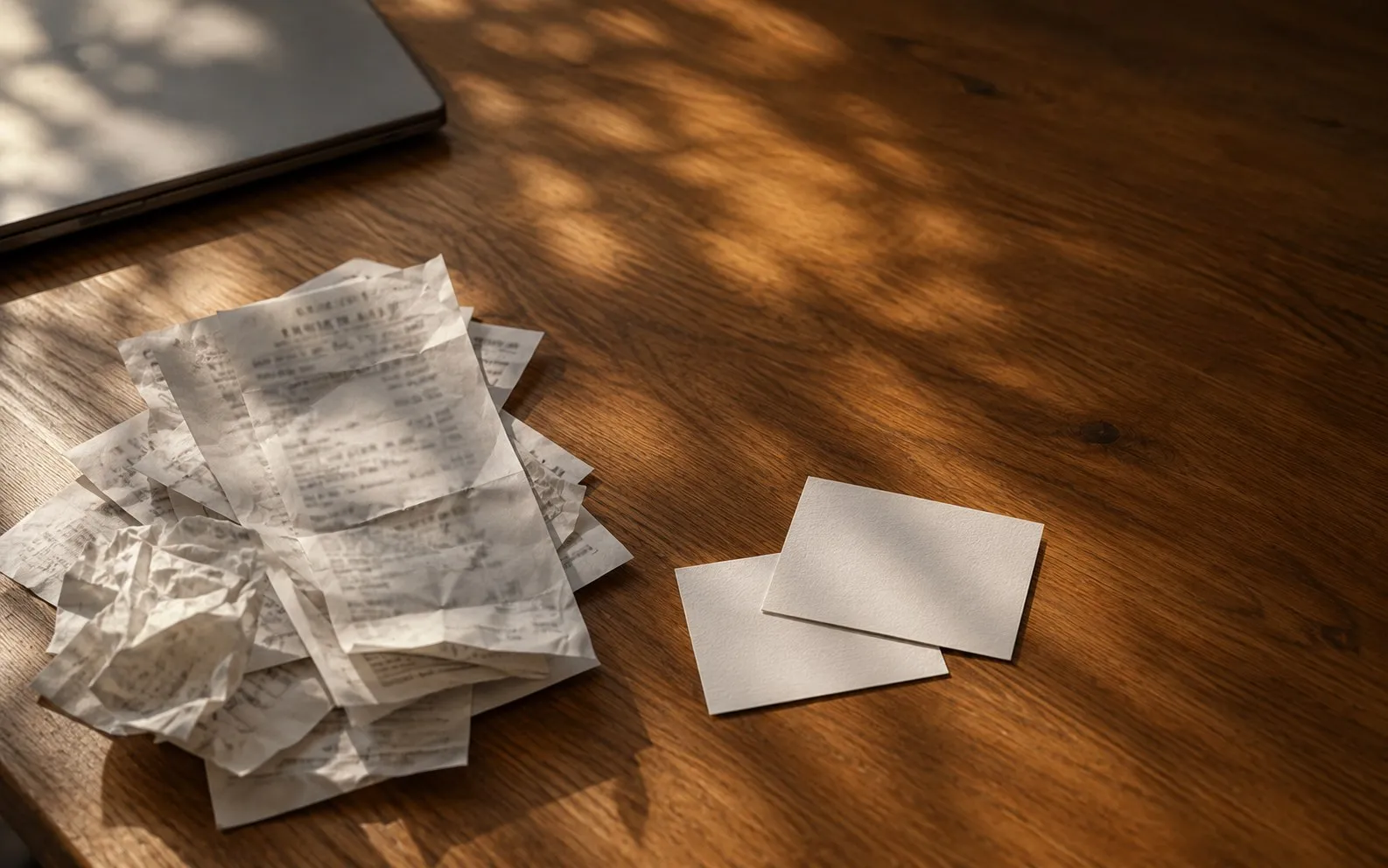
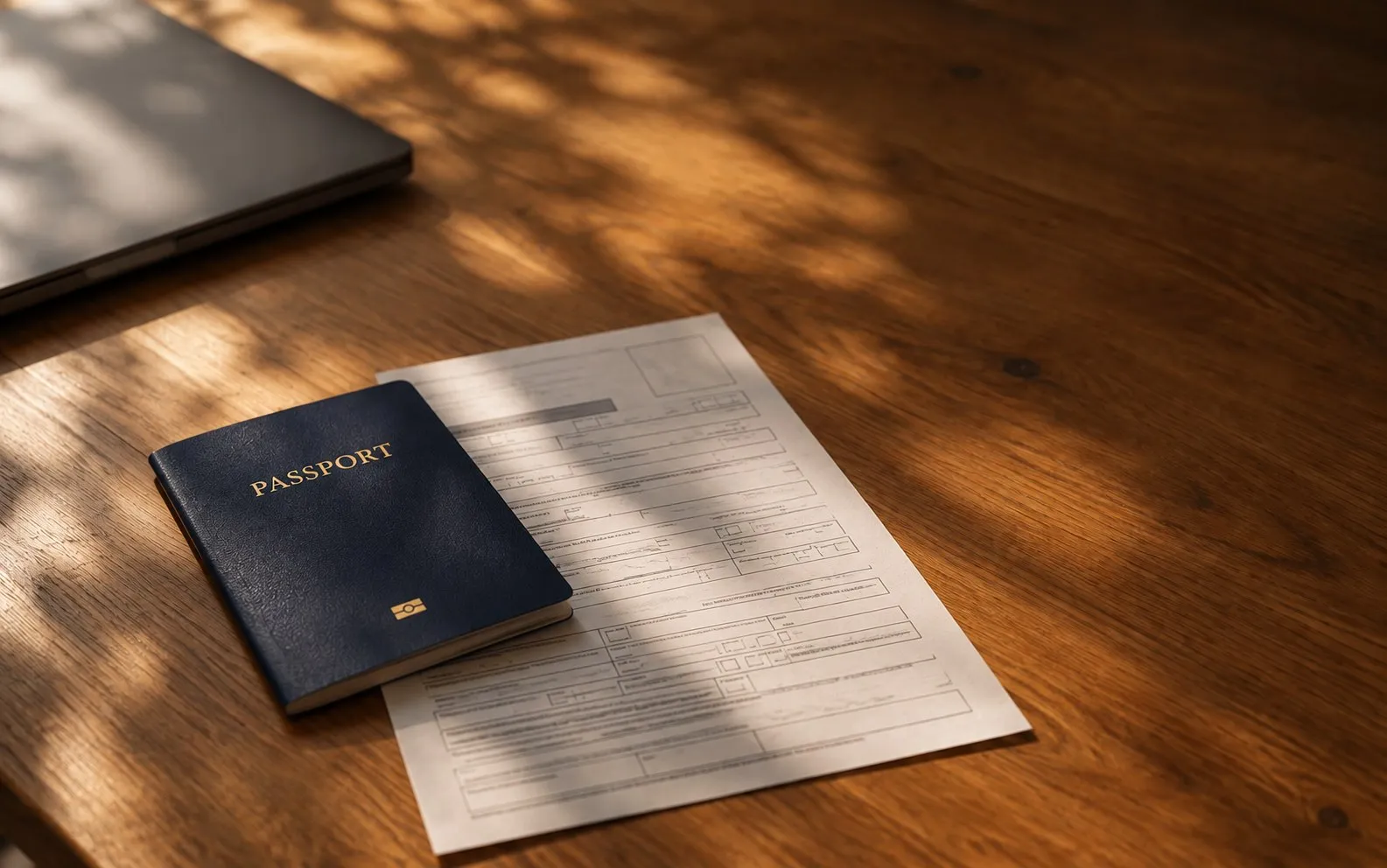
Receipts and ID scans are exactly what you should not upload to a random converter. Stripix builds the PDF on the device.

How your data is handled
  1. 1Turn on Airplane Mode
  2. 2Convert or clean a batch
  3. 3Every tool keeps working

Good to know

Can I make it searchable?

Yes, turn on OCR and the text layer is added on the device.

Can I merge existing PDFs too?

Yes, PDF tools handles merge, split and compress.

What sizes are supported?

A4, Letter and the photo's own size.

Stripix

Photos to PDF in seconds.

Free to try. Your photos never leave your device.

Get the appAndroid phones and tablets now · iPhone next · iPad and Mac later