Stripix
Get the app
PasswordPDFPDF

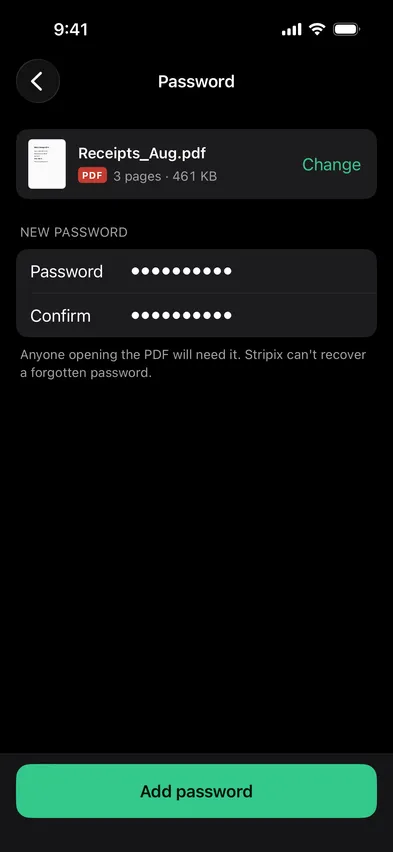
Password-protect a PDF on your phone

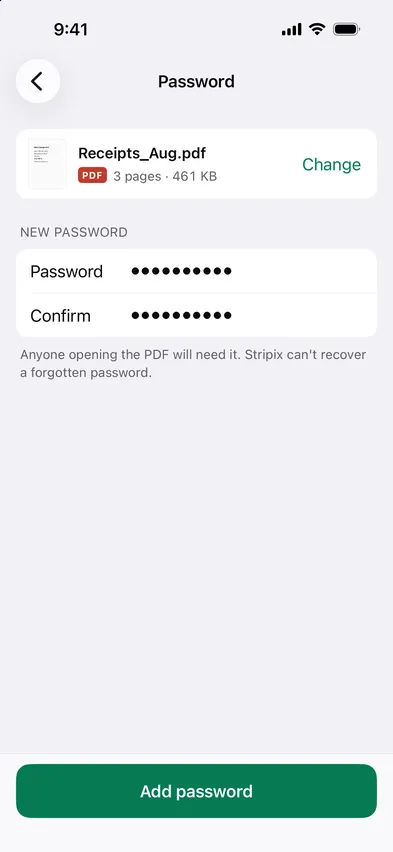
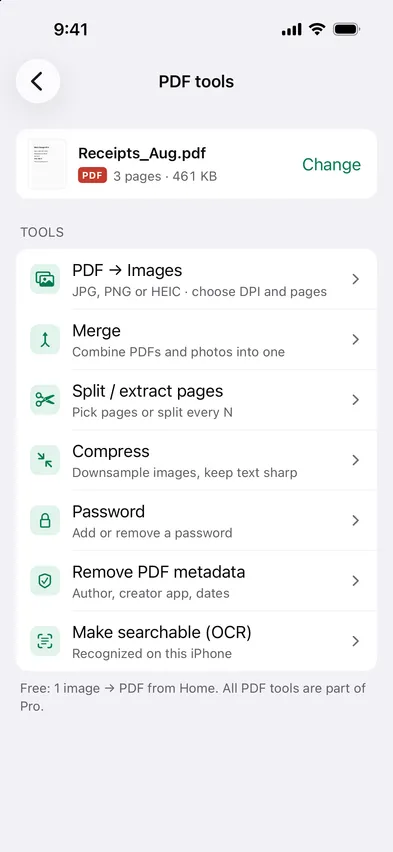
Open Stripix, choose PDF tools → Password, pick the PDF and set a password. The protected copy is saved to Files. The same tool removes a password you know. Nothing is uploaded.

Every PDF tool is part of Pro. 7 days free, then $19.99 a year or $39.99 once.
On-device · Never uploadedWorks offline
HOW TO IN STRIPIX

How to add or remove a PDF password in Stripix

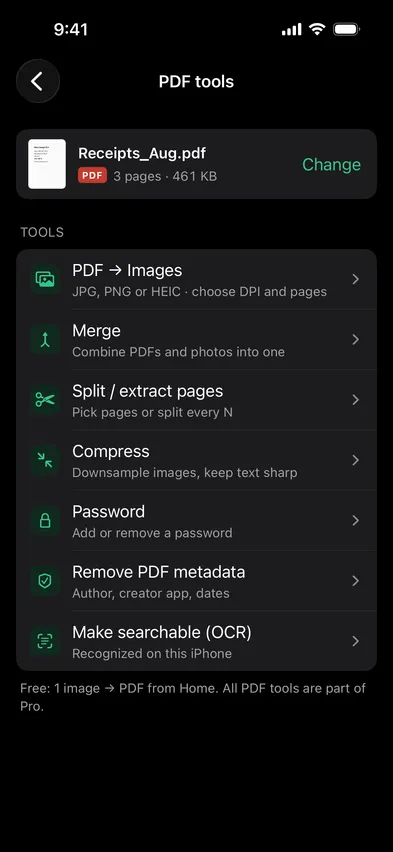
  1. 1Pick the PDFFrom Files, or one you opened before.
    Stripix PDF tools screenStripix PDF tools screen
  2. 2Set or enter the passwordAdd one to protect the file, or type the current one to remove it.
    Stripix PDF password screenStripix PDF password screen
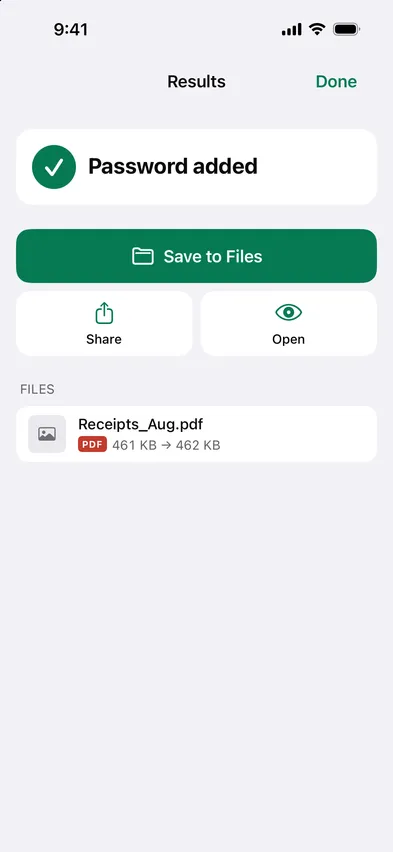
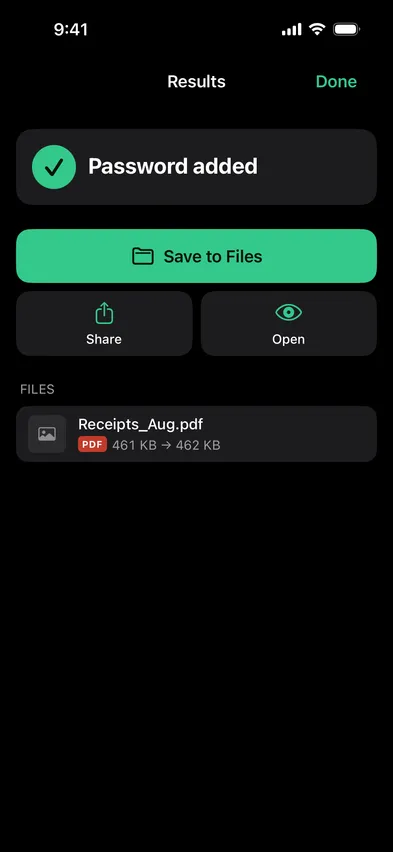
  3. 3SaveA new copy is saved to Files. The original is kept.
    Stripix PDF password results screenStripix PDF password results screen
WHY ON-DEVICE

A password only works if no one else saw the file

Sending a contract to a website to lock it defeats the point. Stripix encrypts on the device, so neither the password nor the file goes anywhere.

How your data is handled
  1. 1Turn on Airplane Mode
  2. 2Convert or clean a batch
  3. 3Every tool keeps working

Good to know

Can I remove a password I don't know?

No. Stripix removes passwords you can enter. It doesn't break them.

Does it work with scanned PDFs?

Yes, any PDF.

Which encryption?

Standard PDF encryption that Preview, Acrobat and Files all open.

Stripix

Lock it before you send it.

Free to try. Your photos never leave your device.

Get the appAndroid phones and tablets now · iPhone next · iPad and Mac later