

Combine a PDF and photos into one file on iPhone
Short answer
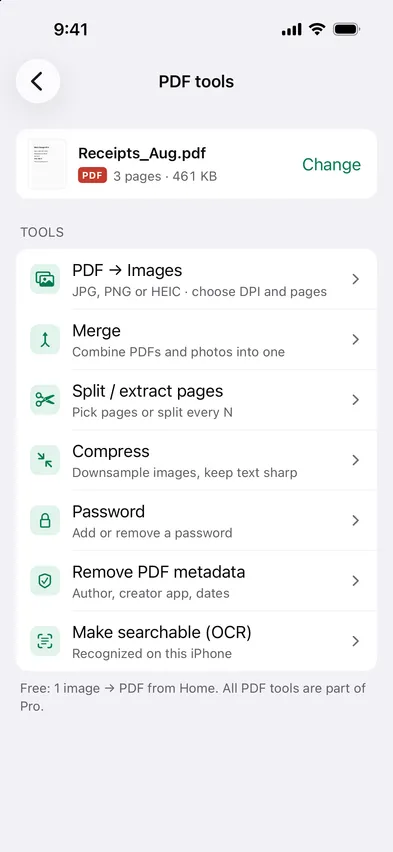
To combine a PDF and photos into one file on iPhone, open Stripix, tap PDF tools, choose the PDF and tap Merge. Add your photos or more PDFs, drag them into order and tap Merge. You get one PDF, made on your iPhone. Merge PDFs shows the tool at a glance.
Put a PDF and photos in one file with Stripix
1. Open Merge
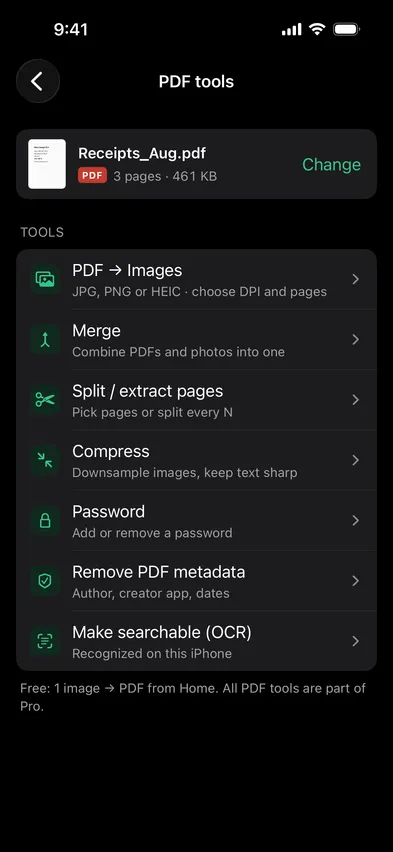
Open Stripix, tap PDF tools and choose a PDF in Files. Then tap Merge. The PDF you opened is already first in the list.


2. Add PDFs and photos
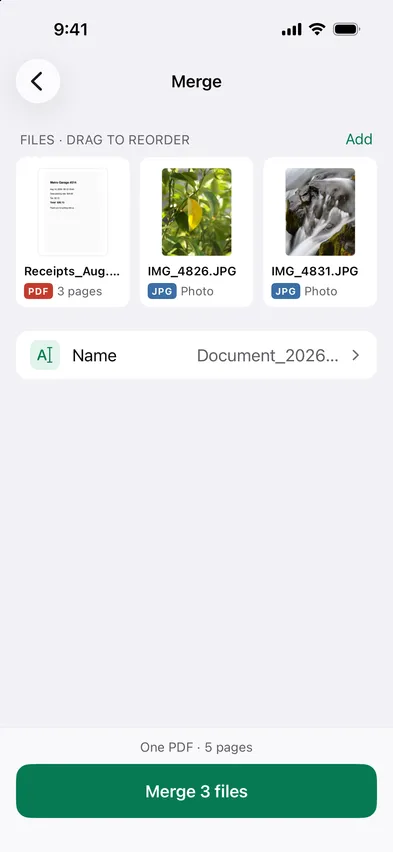
Tap Add and choose Files for PDFs or Photos for pictures. You can mix both in one list and add as many as you need.
3. Set the order
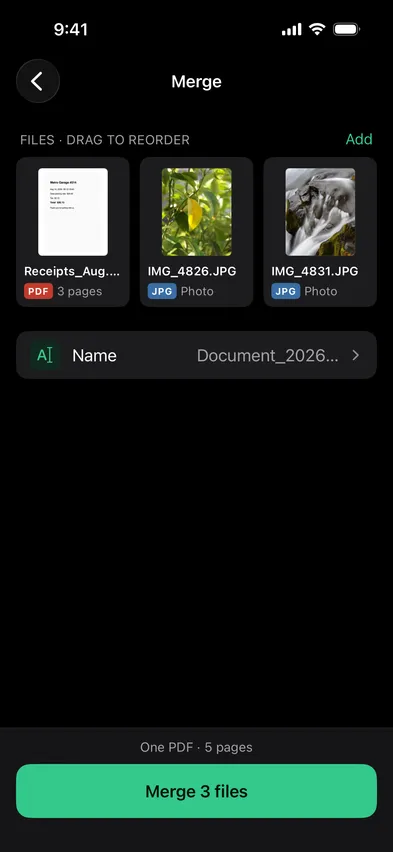
Drag the files into the order the pages should follow. The bar at the bottom shows how many pages the finished PDF will have. Tap Name to call it something you’ll find later.
4. Merge and save
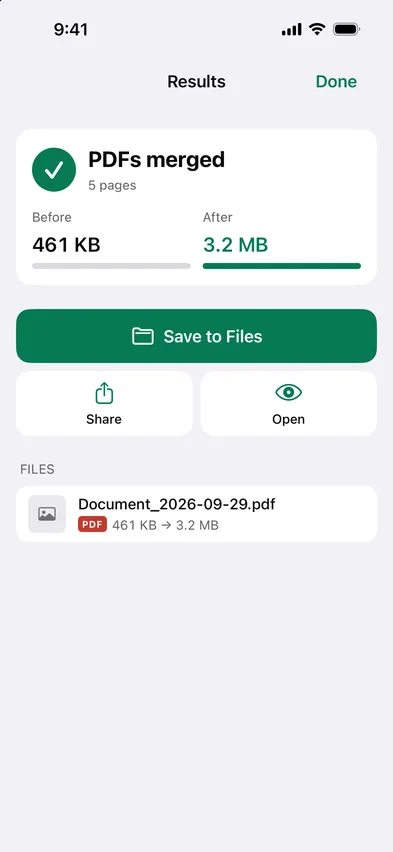
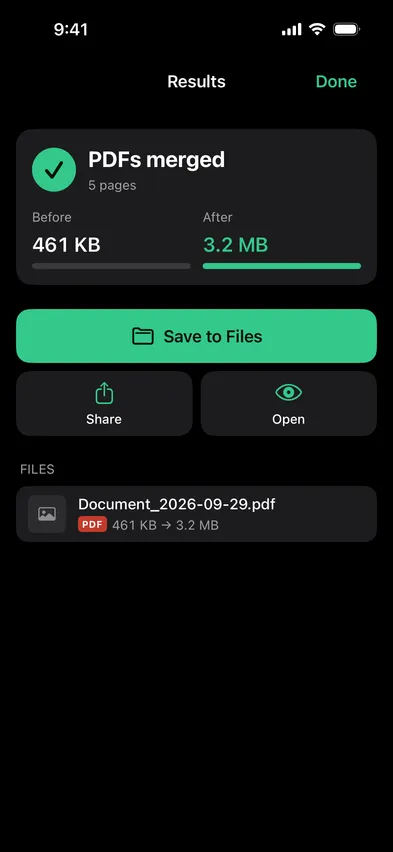
Tap the button at the bottom, like Merge 3 files. When it’s done, tap Save to Files, or Share to send it straight away. The files you started with stay as they were.
Good to know: photos as pages
- One photo, one page. Each photo becomes its own page, shaped like the photo, with no margin.
- Photos go in at 300 DPI. That’s sharp enough to print.
- PDF pages stay as they are. They’re copied into the new file, so their text stays text and stays searchable.
- A big result can shrink. If the merged file is too large to send, run it through Compress.
- Locked PDFs wait. A PDF with a password shows Locked in the list until you unlock it on its own.
Common cases
An expense report with its receipts
Start with the report PDF, then add photos of the receipts after it. Your finance team gets one file with the report first and the proof behind it.
A contract and its signed pages
Photograph the pages you signed and add them after the contract PDF. Whoever you send it to gets the contract and the signatures in one file.
Chapters into one file
Scanned chapters or monthly statements often arrive as separate PDFs. Add them all, put them in order and keep one file instead of a folder of them.
Questions
Do the photos keep their shape?
Yes. Each photo becomes one page, shaped like the photo, with no margin. Add them from Photos or Files.
How many files can go into one PDF?
As many as you need. There's no limit on files or pages.
Can I merge a PDF that has a password?
Only once it's unlocked. Open it in PDF tools with its password first, or remove it from the list.
Are my files uploaded?
No. Stripix merges on your iPhone, and the files stay on it.