Stripix
Get the app
MergePDFPDF

Merge PDFs on your phone

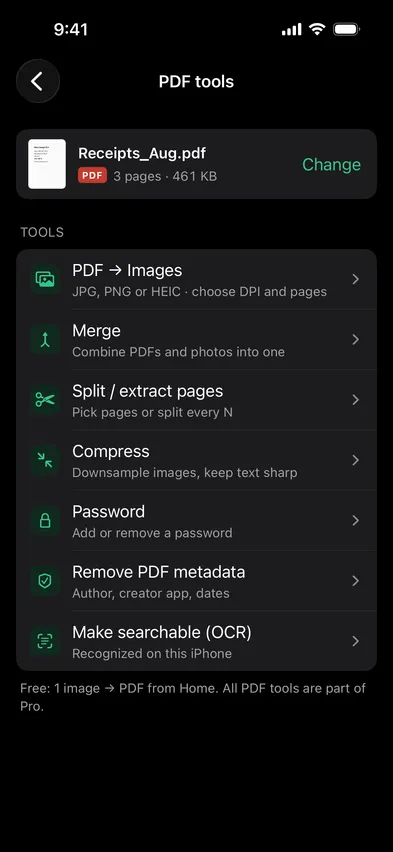
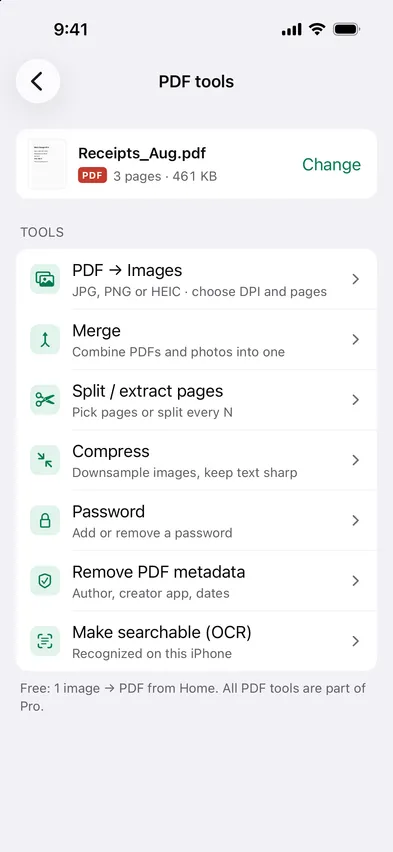
Open Stripix, choose PDF tools → Merge and pick your PDFs — photos too, if you want them as pages. Set the order, tap Merge, and one PDF is saved to Files. All of it on your phone.

Every PDF tool is part of Pro. 7 days free, then $19.99 a year or $39.99 once.
On-device · Never uploadedWorks offline
HOW TO IN STRIPIX

How to merge PDFs in Stripix

  1. 1Pick the filesPDFs from Files, photos from your library, in any mix.
    Stripix PDF tools screenStripix PDF tools screen
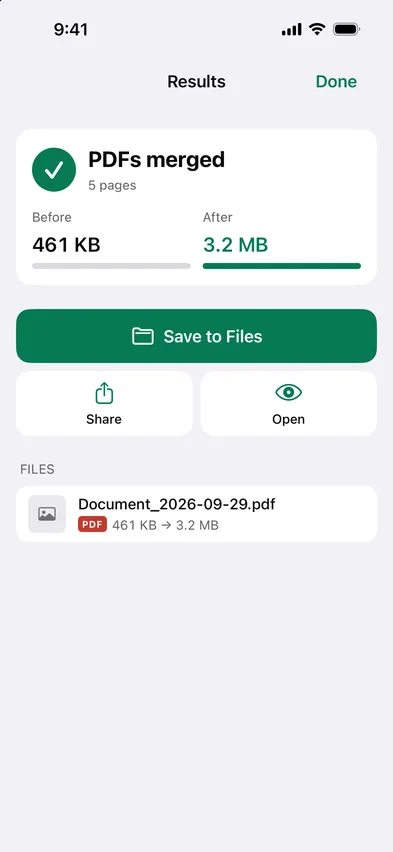
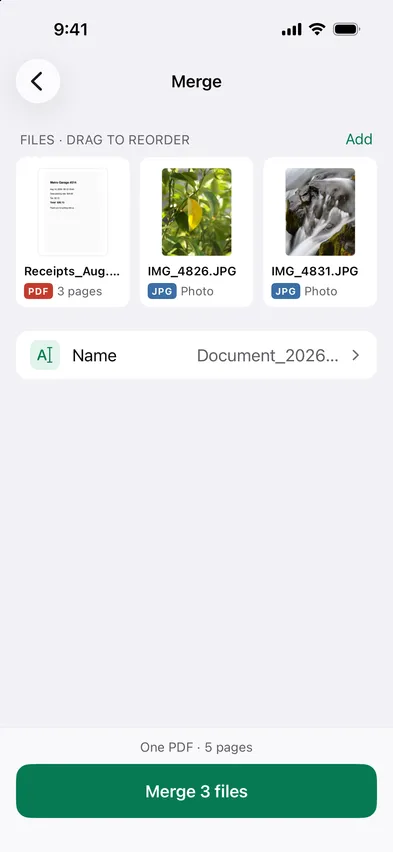
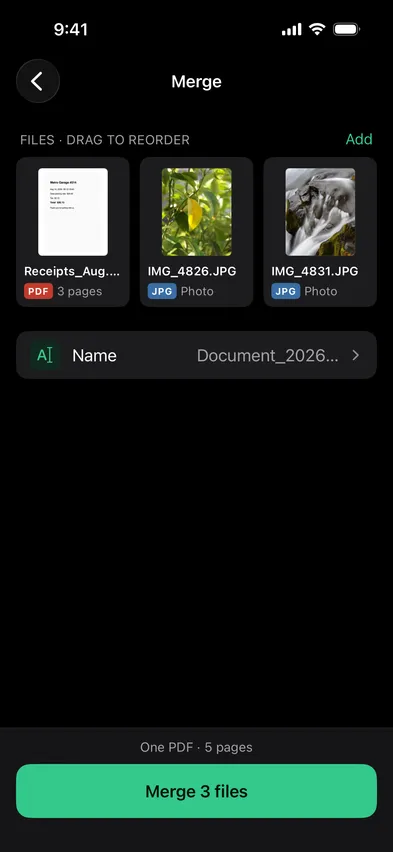
  2. 2Set the orderDrag the files into order. Each photo becomes a page shaped like the photo.
    Stripix Merge PDFs screenStripix Merge PDFs screen
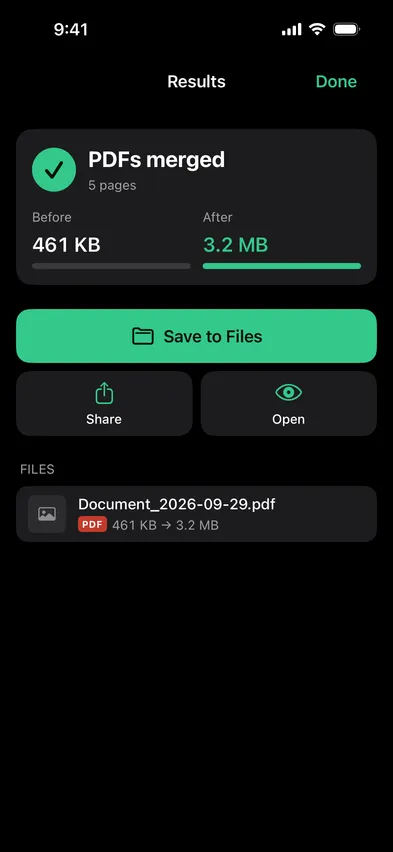
  3. 3MergeOne PDF, saved to Files. The originals are kept.
    Stripix Merge PDFs results screenStripix Merge PDFs results screen
WHY ON-DEVICE

Contracts don't belong on a merge website

Most "merge PDF" sites upload your files to a server. Stripix merges on the device, so the files never leave your phone.

How your data is handled
  1. 1Turn on Airplane Mode
  2. 2Convert or clean a batch
  3. 3Every tool keeps working

Good to know

Is there a limit on files or pages?

No.

Can I mix photos and PDFs?

Yes. Each photo becomes a page.

Does merging change the quality?

PDF pages are copied as they are. Photos become pages at 300 DPI. Use Compress if you want a smaller file.

Stripix

One PDF, made on your phone.

Free to try. Your photos never leave your device.

Get the appAndroid phones and tablets now · iPhone next · iPad and Mac later