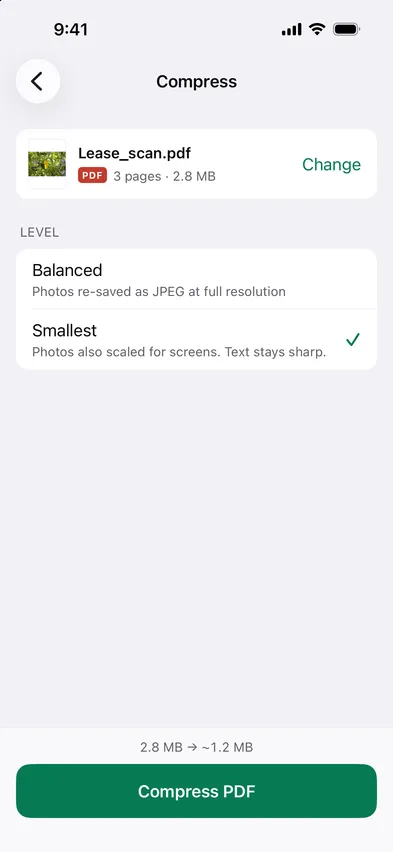
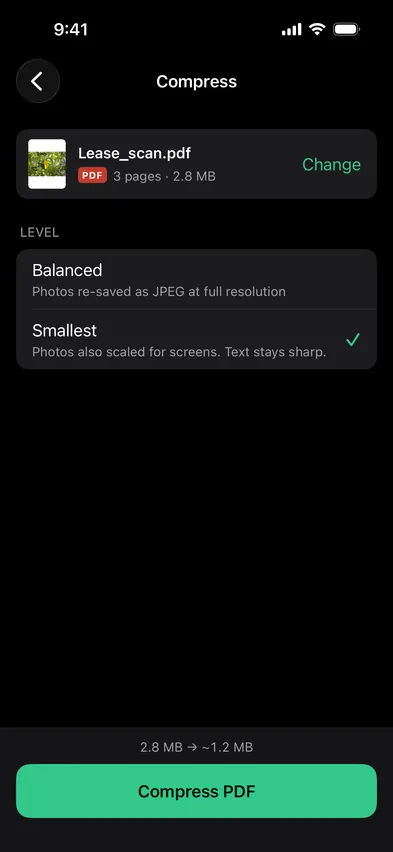
Open Stripix, choose PDF tools → Compress and pick the PDF. The images inside get smaller, the text stays sharp, and you see the new size before you start. Nothing is uploaded.

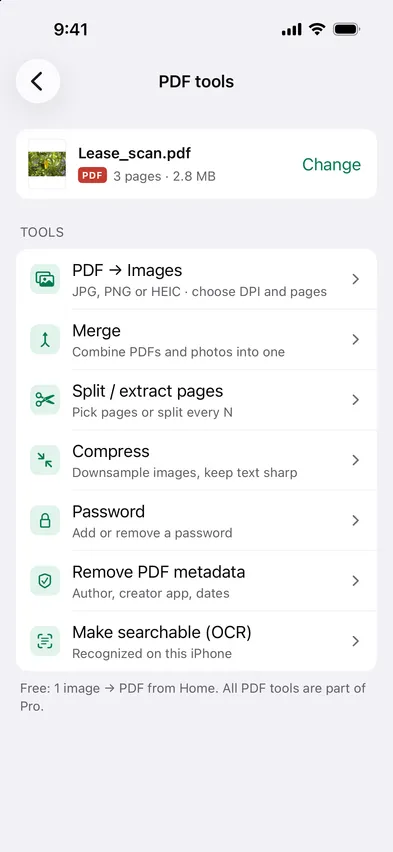
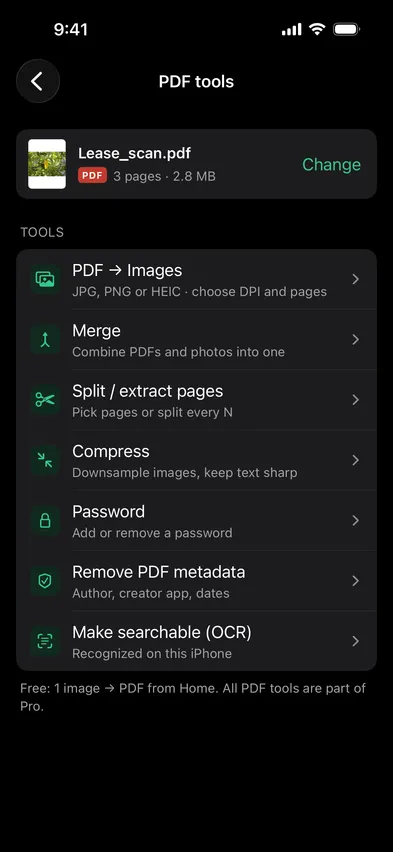


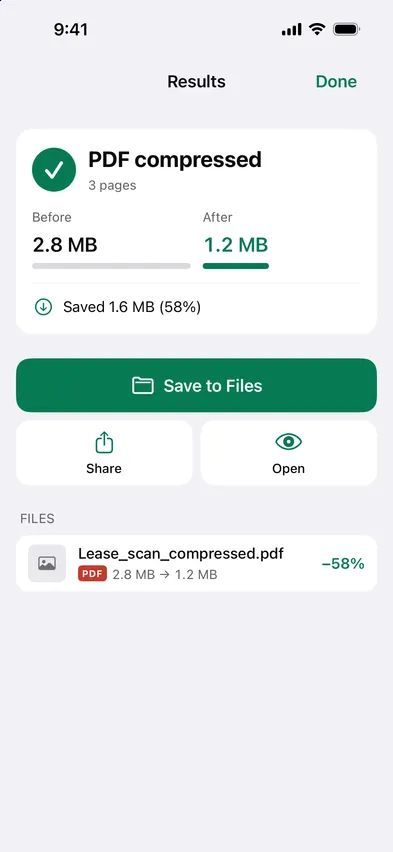
Compressing a PDF means shrinking the images inside it. Stripix does that on the device and leaves the text layer untouched, so the PDF stays searchable and readable.
How your data is handledNo. Only the images inside are re-saved.
Not a number you type. Pick Balanced or Smallest and check the estimate before you compress.
It stays as it is. Stripix won't make it worse.
 Stripix
Under the limit, still readable.
Free to try. Your photos never leave your device.