Stripix
Get the app
SplitPDFPDF

Split a PDF on your phone

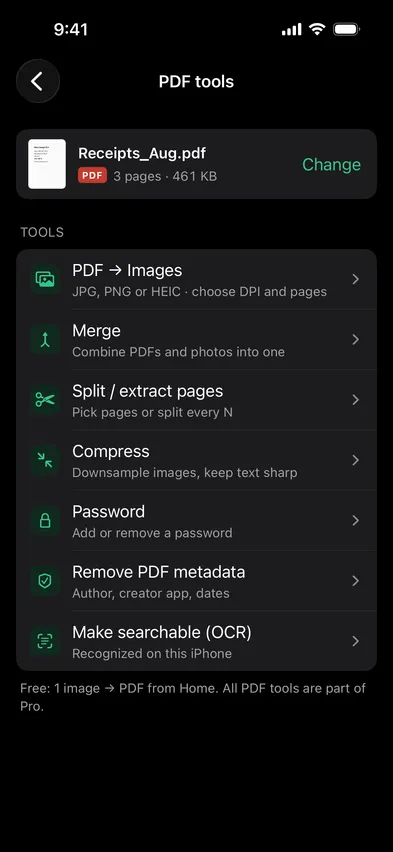
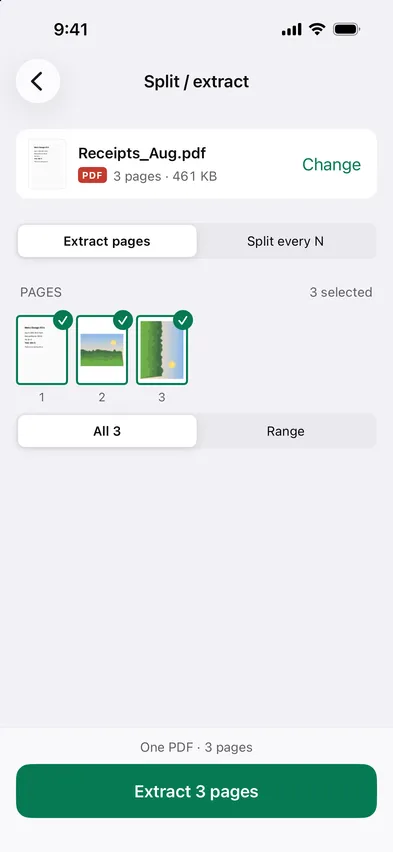
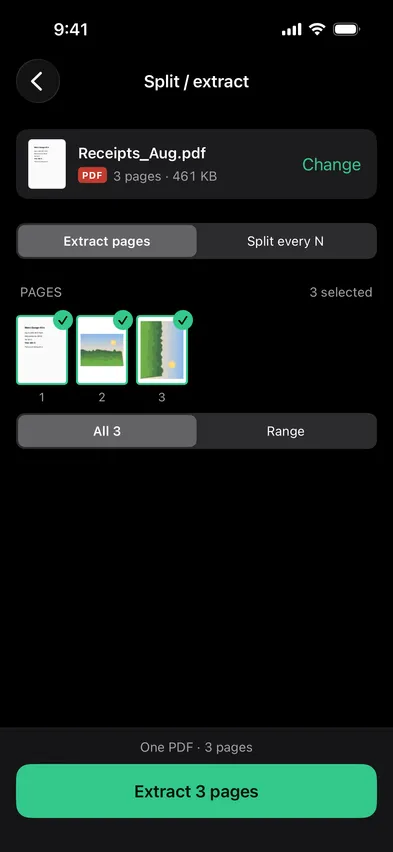
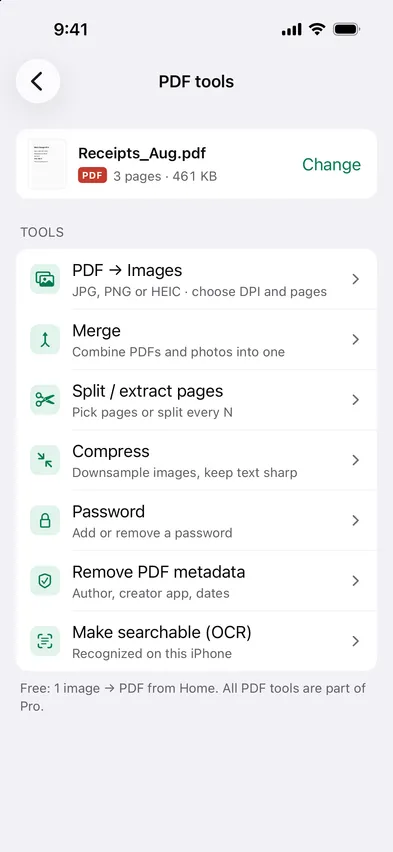
Open Stripix, choose PDF tools → Split / extract pages, pick the PDF and tap the pages you want, or split every N pages. Each part is saved to Files, on your phone.

Every PDF tool is part of Pro. 7 days free, then $19.99 a year or $39.99 once.
On-device · Never uploadedWorks offline
HOW TO IN STRIPIX

How to split a PDF in Stripix

  1. 1Pick the PDFFrom Files, or one you opened before.
    Stripix PDF tools screenStripix PDF tools screen
  2. 2Choose pagesTap the ones to keep, set a range, or split every N pages.
    Stripix Split / extract pages screenStripix Split / extract pages screen
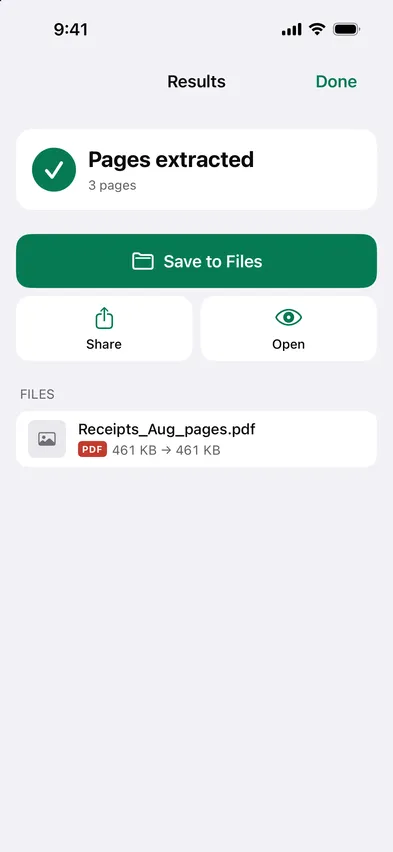
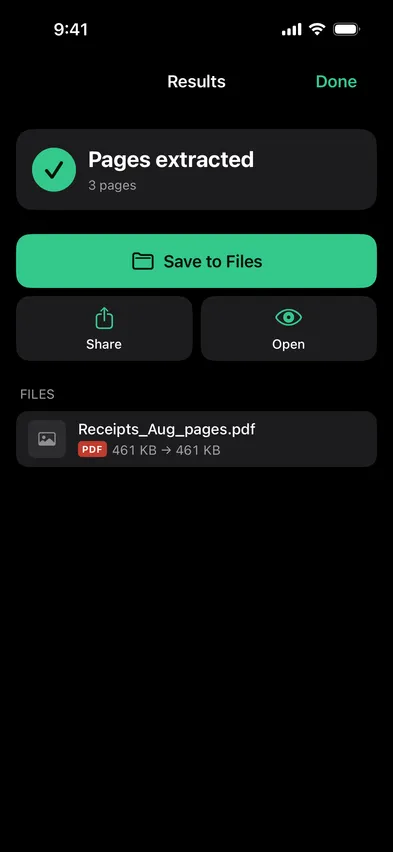
  3. 3SaveThe pages you pick become one PDF. Split every N makes one PDF per part. The original is kept.
    Stripix Split / extract pages results screenStripix Split / extract pages results screen
WHY ON-DEVICE

Send the page, not the whole file

A 40-page contract when someone needs page 12. Stripix pulls it out on the device, so the rest of the document never goes anywhere.

How your data is handled
  1. 1Turn on Airplane Mode
  2. 2Convert or clean a batch
  3. 3Every tool keeps working

Good to know

Can I extract several ranges at once?

Yes. Tap any pages, or type ranges like 1–3, 7. They go into one PDF.

Can I save pages as images instead?

Yes, use PDF → Images.

Is there a page limit?

No.

Stripix

Just the pages you need.

Free to try. Your photos never leave your device.

Get the appAndroid phones and tablets now · iPhone next · iPad and Mac later