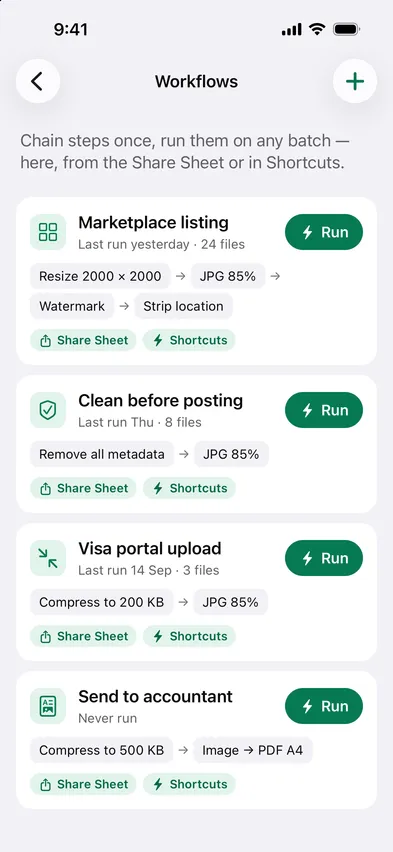
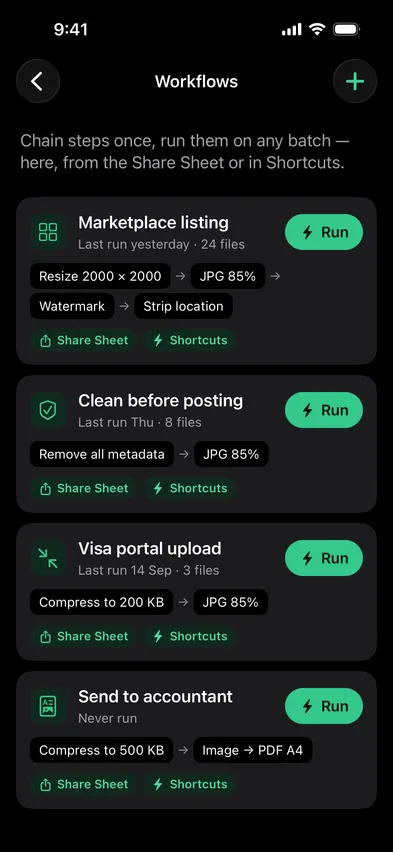
Save the steps you repeat as a workflow: resize, convert, watermark, strip location. Run it in Stripix, and on iPhone also from the Share Sheet or a Shortcut, entirely on your phone.

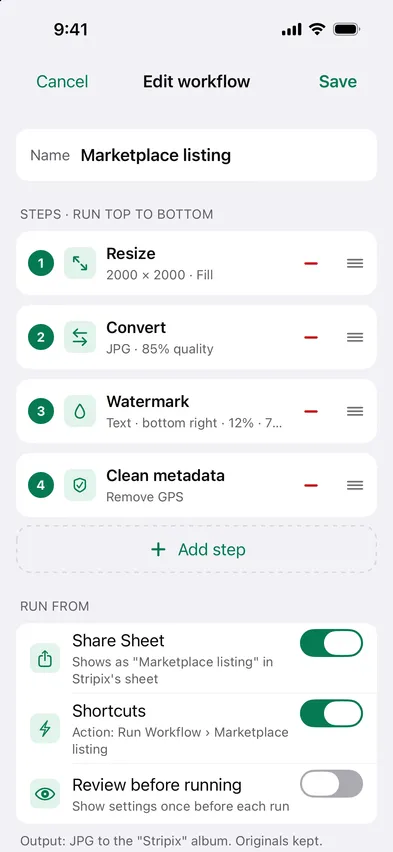
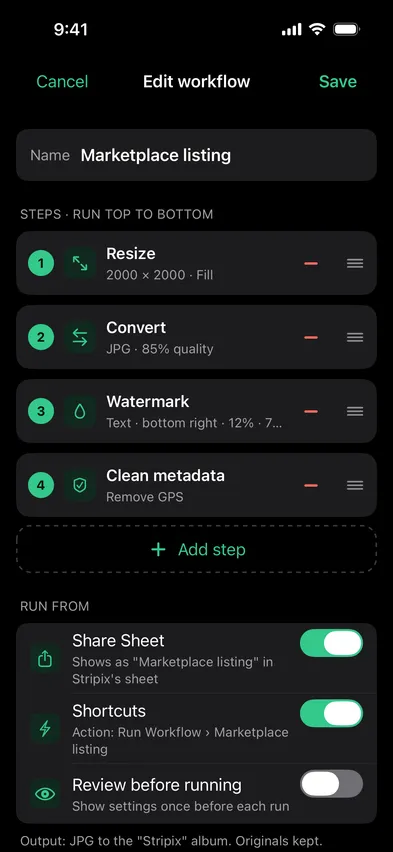


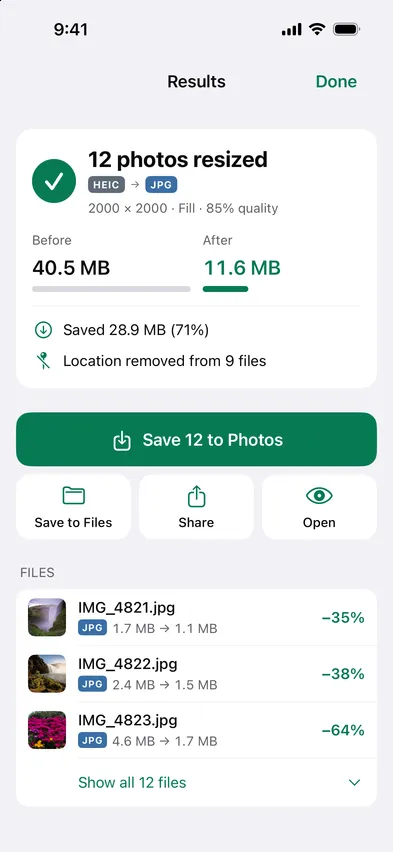
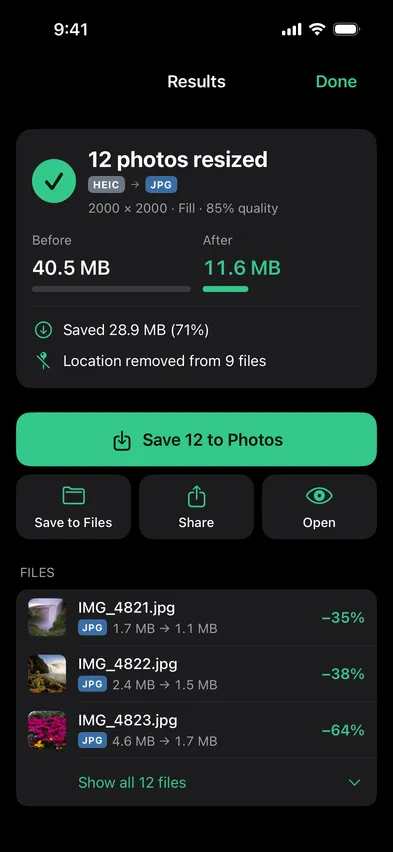
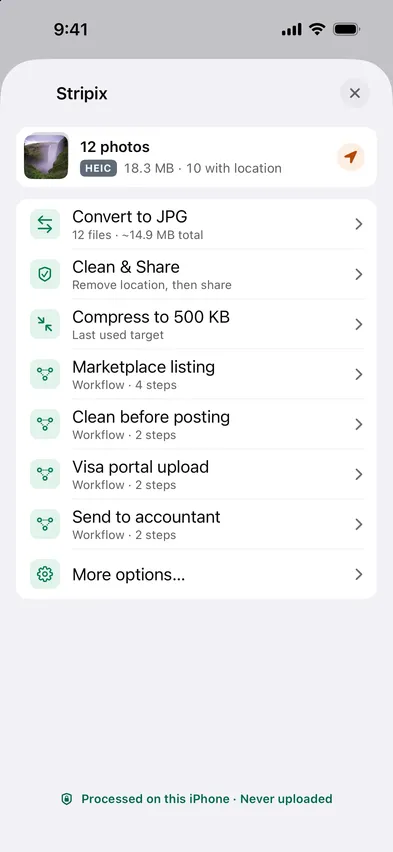
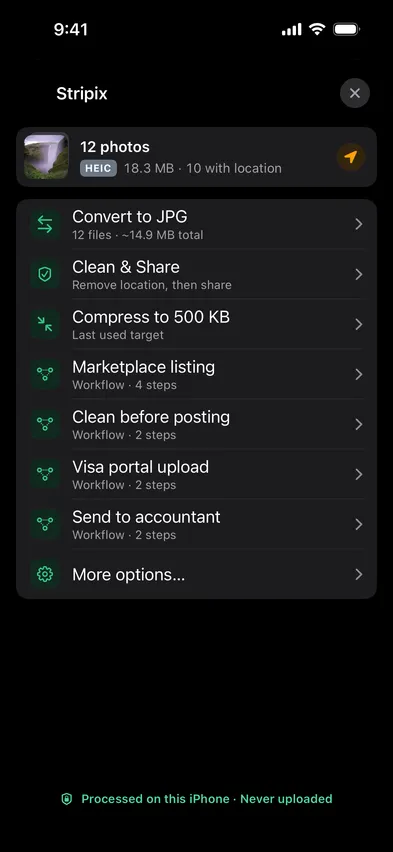
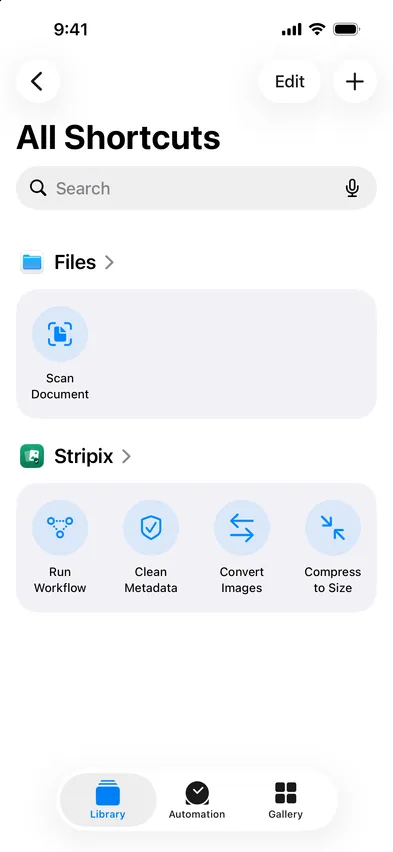
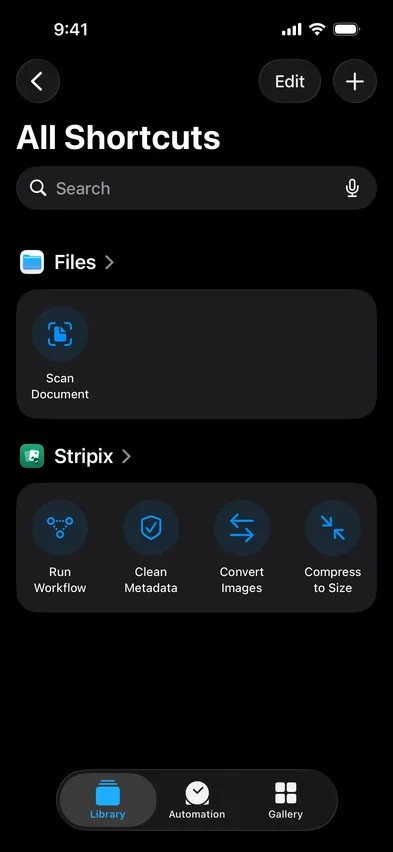
Workflows run the same on-device code as every tool, and so do the Shortcuts actions on iPhone. No cloud step, no account, works in Airplane Mode.
How your data is handledOn iPhone: Convert, Clean metadata, Compress, Resize, Watermark, Photos to PDF. Android has no Shortcuts app, so workflows run in Stripix.
Yes, with Pro.
Yes, export it as a file and import on another device.
No. On iPhone it runs in the sheet and shows the result there.
On iPhone, yes, via Shortcuts automations, e.g. when photos are added to a folder or an album.
 Stripix
Set it up once. Run it on every batch.
Free to try. Your photos never leave your device.