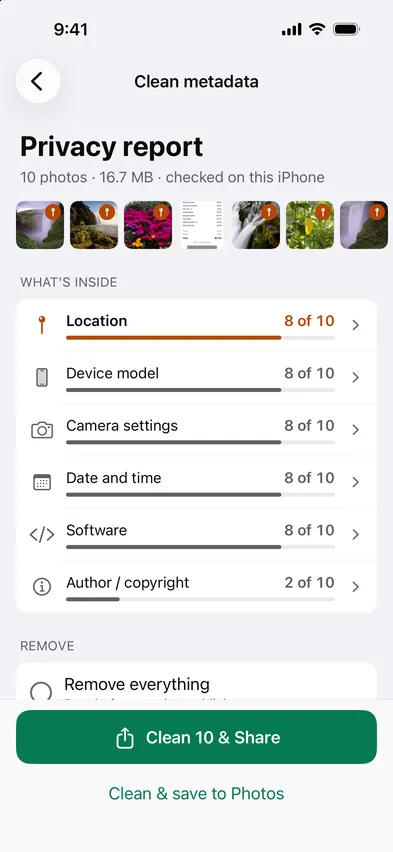
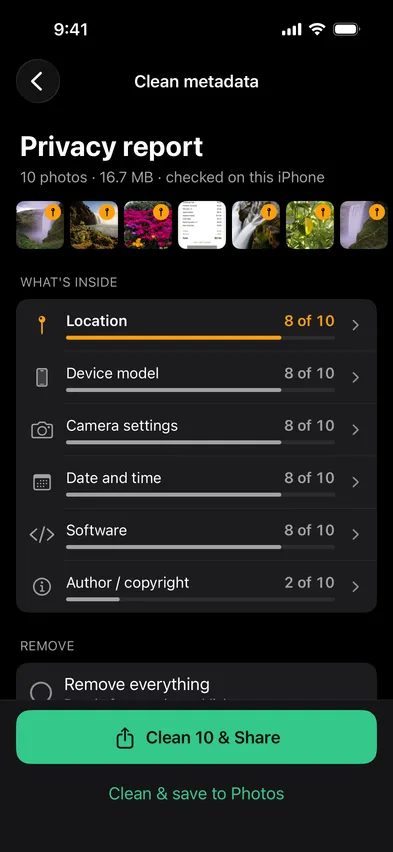
Open Stripix, choose Clean metadata and pick your photos. It shows which ones carry GPS and removes location, or everything, on your phone.

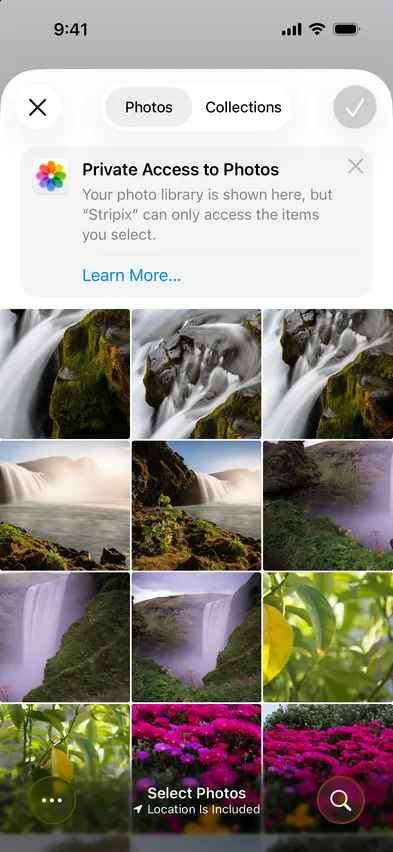
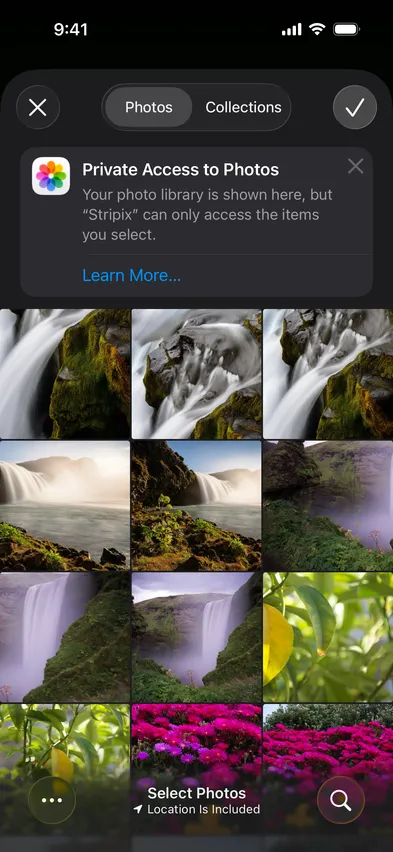


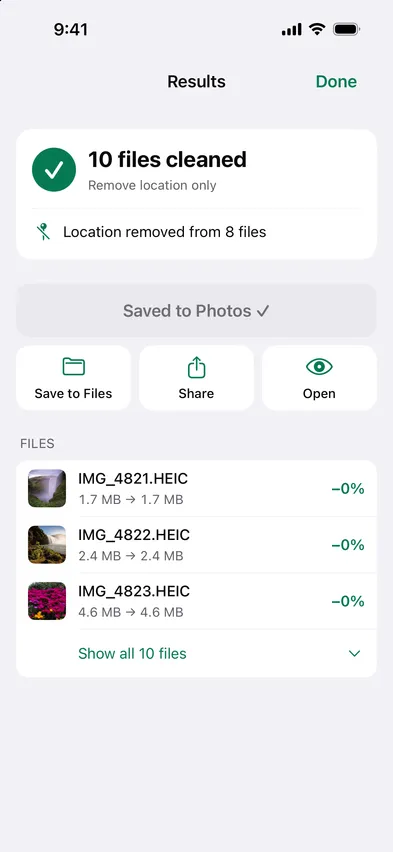
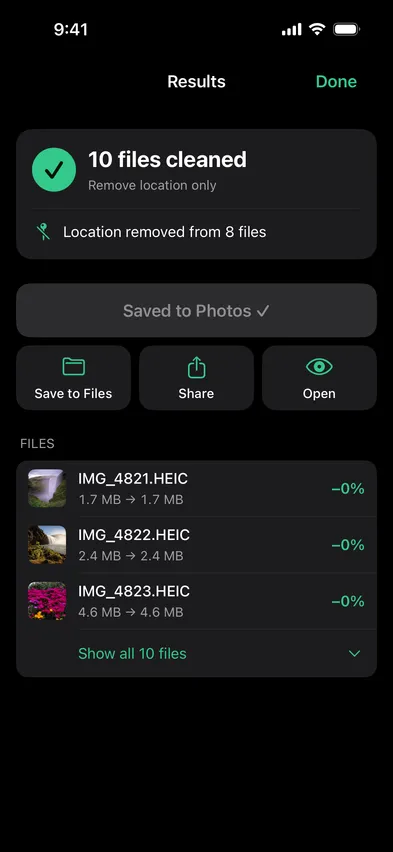
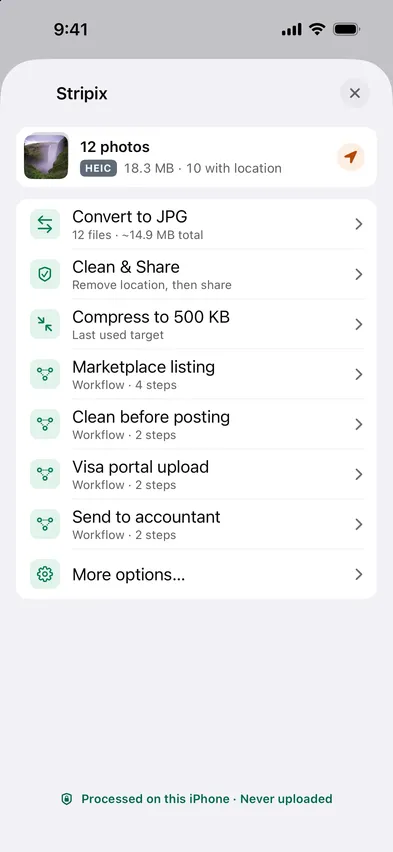
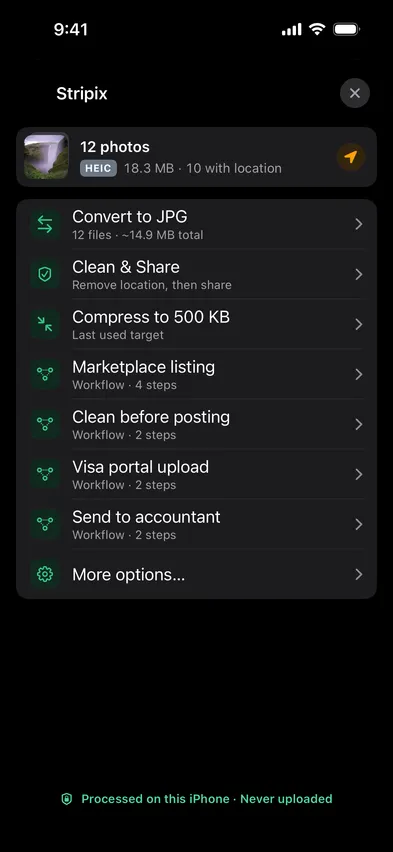
Checking a photo online means uploading it, location included. Stripix reads and cleans metadata on your phone.
How your data is handledRemove everything is best before posting publicly. Remove location only keeps the dates and camera info, and Custom lets you pick fields such as device and lens, software or author. You can also set a new date and time, or move the location instead of deleting it. Keep originals decides whether the originals stay in your photo library after the clean copies are saved, and your phone asks you to confirm before anything is deleted. Everything is read and cleaned on your phone, so coordinates are never sent anywhere.
No. Only the metadata changes.
Date and camera info.
Yes, with Pro.
Location, device model, camera settings, date and time, software, and author or copyright. Each one shows how many of your photos carry it.
 Stripix
Strip location before posting.
Free to try. Your photos never leave your device.