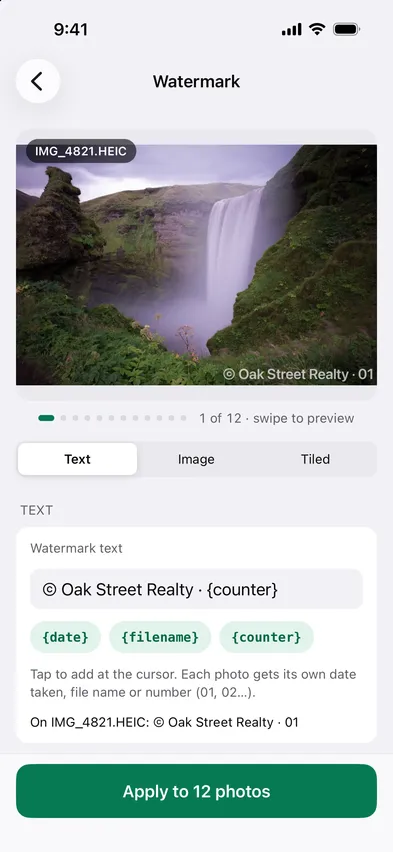
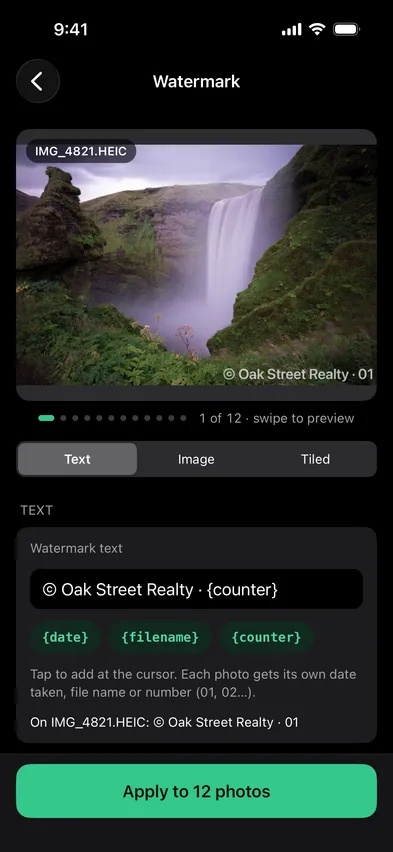
Open Stripix, choose Watermark and type your text or drop in a logo. Position, size and opacity apply to the whole batch on your phone.

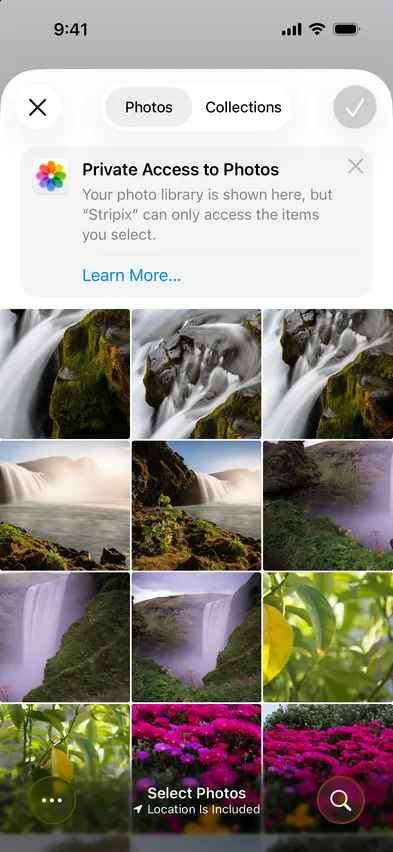


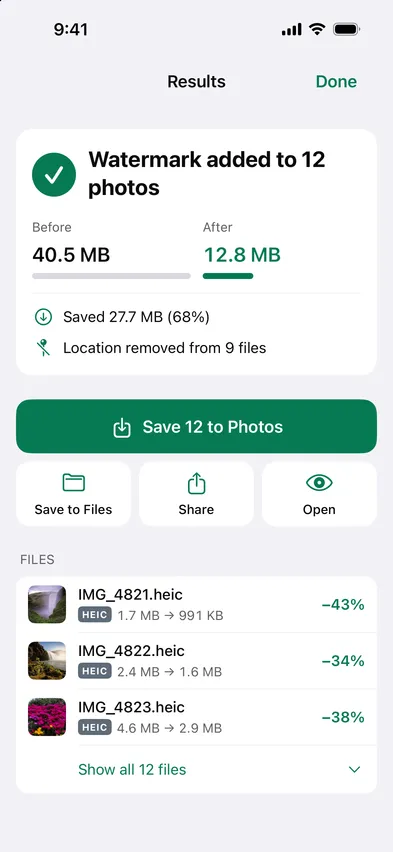
Watermarking is usually the last step before something goes public. Stripix does it on the device, so the unmarked original is never uploaded anywhere.
How your data is handledPosition is one of nine spots, from top left to bottom right, with an offset from the edges. Size is set as a share of each photo's short side, so the mark scales with every photo in the batch. Opacity, Rotation, Color, Shadow and Stroke sit on the same screen, and Tiled repeats the mark at the angle and spacing you choose. Swipe the preview to check each photo before you apply it, and keep the setup with Save current as template for next time.
Yes, choose Tiled.
Yes.
Yes, save it as a template, or as a workflow you run in Stripix (and from the Share Sheet on iPhone).
Yes. Insert the date taken, the file name or a number (01, 02…) into the text, and each photo gets its own.
 Stripix
Mark it before it goes out.
Free to try. Your photos never leave your device.