

Compress a PDF to under 1 MB to email it from iPhone
Short answer
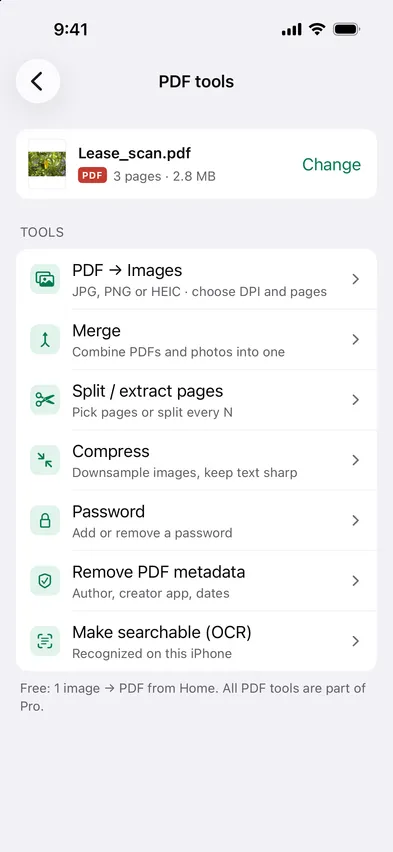
To compress a PDF to under 1 MB and email it from your iPhone, open Stripix, tap PDF tools, choose the PDF and tap Compress. Pick Balanced or Smallest, check that the estimate is under 1 MB and tap Compress PDF. Then tap Share and send it with Mail. Compress a PDF shows the tool at a glance.
Get a PDF under 1 MB with Stripix
1. Pick the PDF
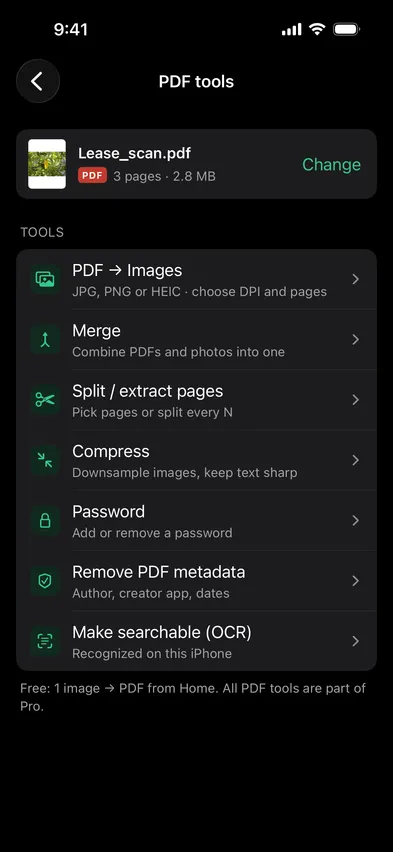
Open Stripix, tap PDF tools, then Choose a PDF and pick it in Files. You can also select a PDF in Files or Mail, tap Share and choose Compress PDF from Stripix in the sheet.


2. Tap Compress
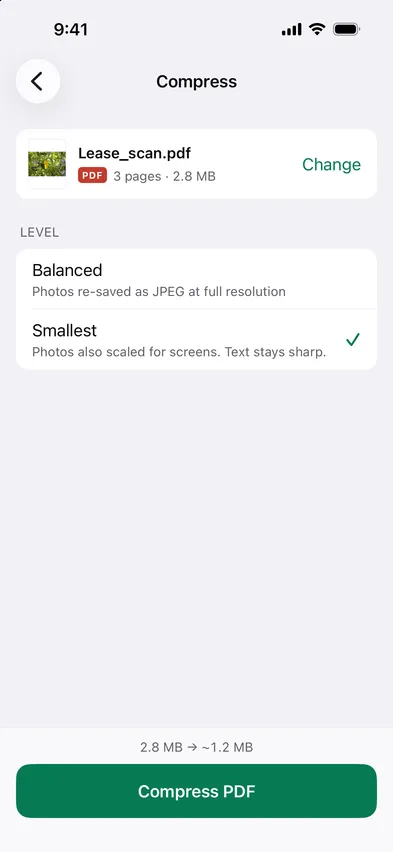
Tap Compress. Stripix works out the new size right away, so you see it before anything is written.
3. Pick a level
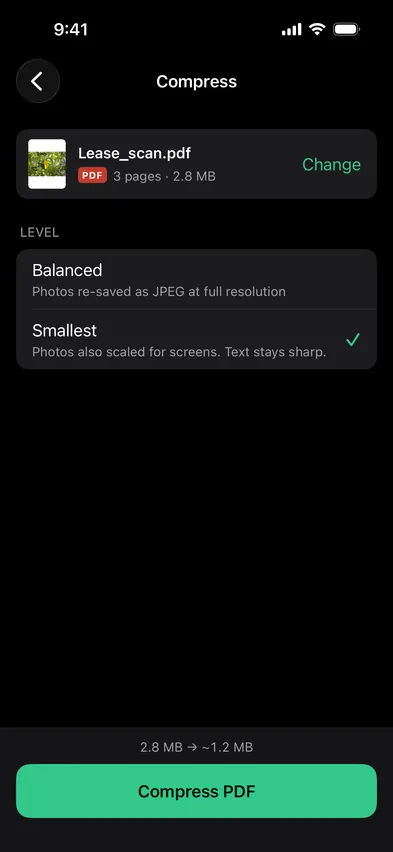
Balanced re-saves the photos inside as JPEG at full resolution. Smallest also scales them for screens. Text stays sharp with both. The bar at the bottom shows the size before and after, or Already compact when there’s nothing to gain.
4. Compress and save
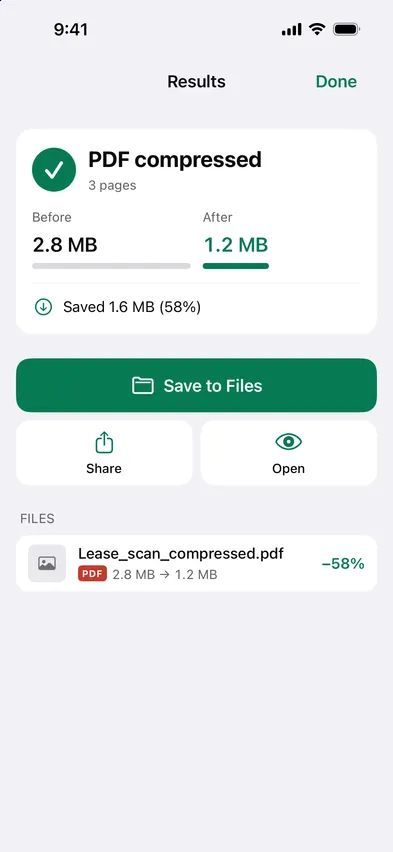
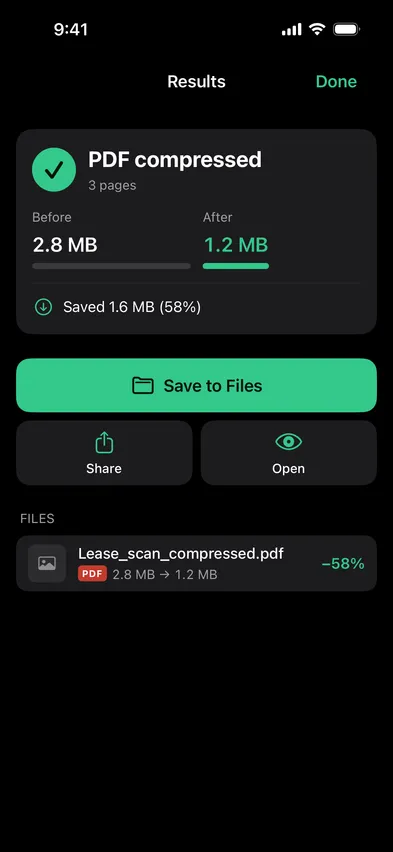
Tap Compress PDF, then Save to Files. The smaller copy is a new file, and the original stays as it was.
Good to know: text vs images
A PDF holds two kinds of content, and compression only touches one of them.
- Images shrink. Photos, scans and pictures inside the PDF are re-saved as JPEG, and scaled down with Smallest.
- Text stays text. Letters, lines and shapes aren’t images, so they stay sharp at any zoom.
- Searchable stays searchable. A text layer added with Make searchable (OCR) is left alone.
- Scans shrink the most. A scan is all images, so it has the most to lose. A PDF exported from a text editor may already be compact.
Common cases
An upload form with a size limit
Visa, job and exam portals often cap uploads. Try Balanced first, and switch to Smallest if the estimate is still over the limit.
An email attachment that bounces
Mail servers reject large attachments. Compress the PDF, then share it straight from the results screen.
A scanned contract
Phone scans are big because every page is a photo. Smallest usually brings them down to a size you can send without a second thought.
Questions
Will the text still be sharp at under 1 MB?
Yes. Only the images inside the PDF are re-saved. Text stays as it was.
Can I type 1 MB as the target?
No. Pick Balanced or Smallest and check the estimate before you compress. If Balanced lands over 1 MB, Smallest also scales the images down.
What if the PDF won't get any smaller?
Stripix shows Already compact and keeps it as it is. It won't make a file bigger or worse.
Is my PDF uploaded?
No. Stripix compresses on your iPhone, and the PDF stays on it.