

Remove a password from a PDF on iPhone
Short answer
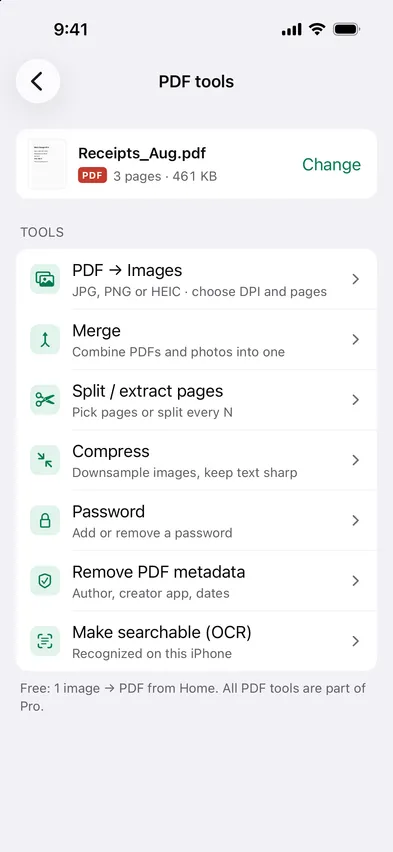
To remove a password from a PDF on iPhone, open Stripix, tap PDF tools, choose the PDF and tap Password. Tap Enter password, type the password it opens with and tap Remove password. The unlocked copy is saved to Files. Password-protect a PDF shows the tool at a glance.
Remove a PDF password with Stripix
The Password tool takes a password off, as long as you know it.
1. Pick the protected PDF
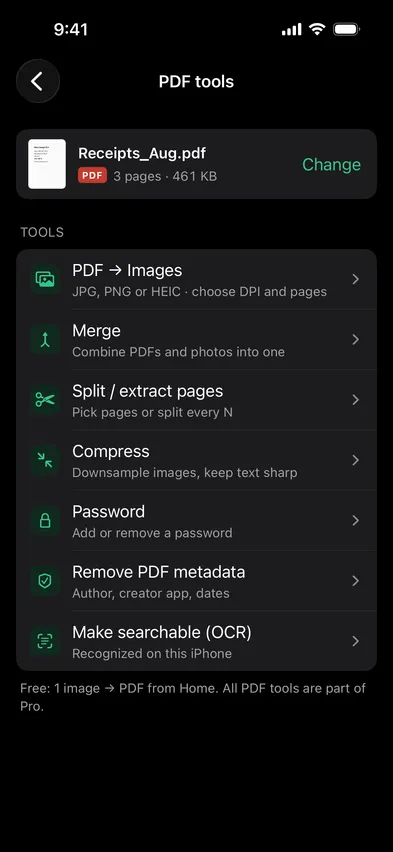
Open Stripix, tap PDF tools, then Choose a PDF and pick it in Files. PDFs you opened before are listed on the same screen.


2. Enter the password
Tap Password, then Enter password and type the password the PDF opens with. Stripix needs it before it can take the password off.
3. Remove password and save
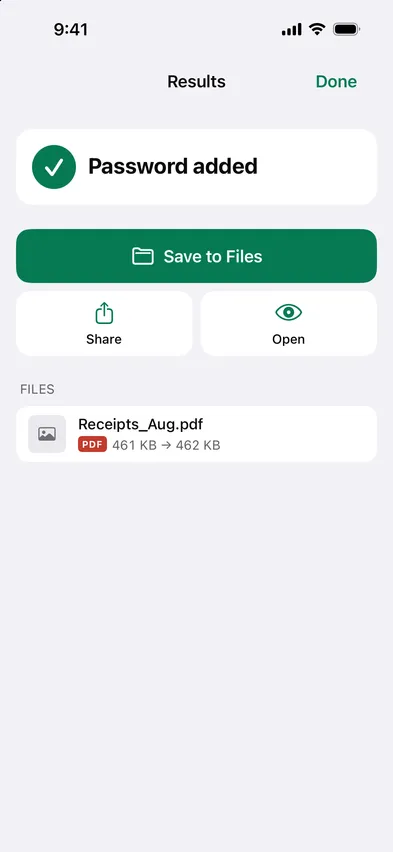
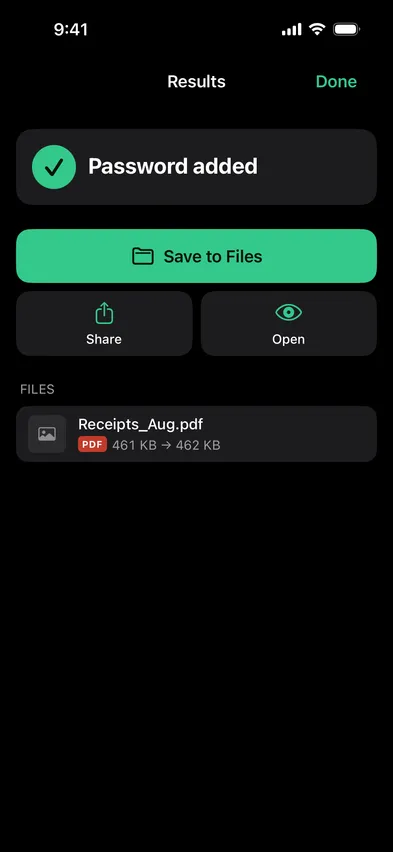
Tap Remove password, then Save to Files. The copy is saved without a password, and the protected PDF stays as it was.
Add a password instead
The same tool locks a PDF that has no password yet.
1. Pick the PDF
Open Stripix, tap PDF tools, then Choose a PDF and pick it in Files. PDFs you opened before are listed on the same screen.
2. Tap Password
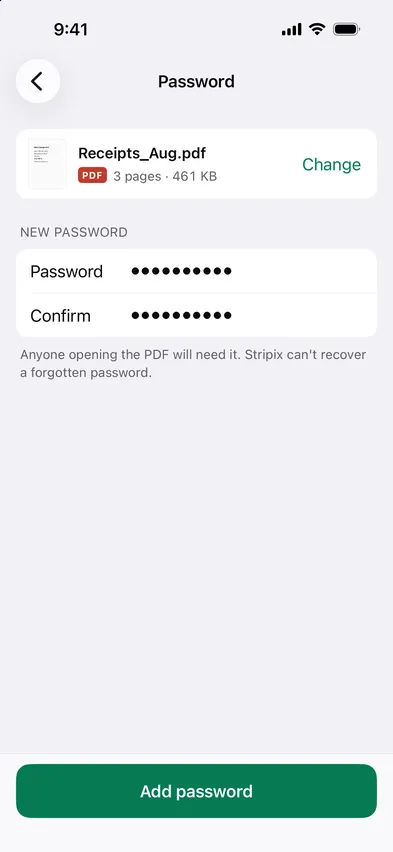
Tap Password. For a PDF without one, the screen asks for a New password.
3. Type it twice
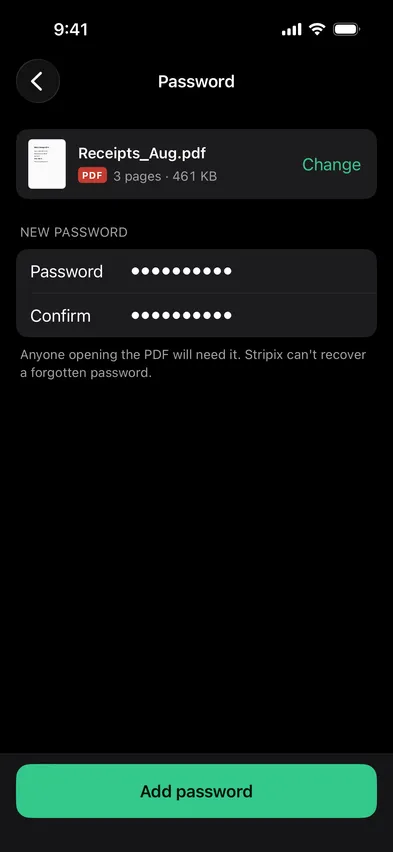
Enter it in Password and again in Confirm. If the two differ, Stripix tells you before anything is saved. Anyone opening the PDF will need this password, and Stripix can’t recover a forgotten one.
4. Add password and save
Tap Add password, then Save to Files. The protected copy is a new file. The original PDF stays as it was, without a password.
Good to know: what it can’t do
- It can’t open a PDF without its password. Stripix removes passwords you enter. It doesn’t guess or break them.
- It can’t recover a forgotten password. Keep it in your password manager before you send the file.
- It doesn’t touch the original. You get a new copy, locked or unlocked. Delete the one you don’t need yourself.
- It doesn’t send anything. The file is locked and unlocked on your iPhone, so no website sees the contract or the password.
Common cases
A contract by email
Lock the contract before you attach it, then send the password another way, like a message or a call. A forwarded email alone won’t open it.
Tax papers for your accountant
Merge the year’s statements with Merge, then add a password to the one file you send.
A scan of your ID
A passport or ID scan is worth locking before it sits in a shared folder. Remove the password later if a form won’t accept a protected file.
Questions
What if I don't know the password?
Then Stripix can't remove it. It removes passwords you can enter and doesn't break them.
What if I forget the password?
Stripix can't recover it, and nobody else can open the file without it. Keep the password somewhere safe.
Will the PDF open on a computer?
Yes. It uses standard PDF password protection, so PDF readers ask for the password and then open it.
Is the password sent anywhere?
No. Stripix locks the file on your iPhone. Neither the password nor the PDF leaves it.