

Turn receipts into one PDF for an expense report on iPhone
Short answer
To turn receipts into one PDF for an expense report on iPhone, open Stripix, tap Image → PDF, pick the receipt photos and tap Create PDF. You get one PDF in the order you set, ready to save or send. It’s made on your iPhone and nothing is uploaded. Turn photos into a PDF has the details.
One PDF of receipts with Stripix
Your iPhone can print photos to a plain PDF, but you get no page size, order or size control — Stripix does.
1. Pick the photos
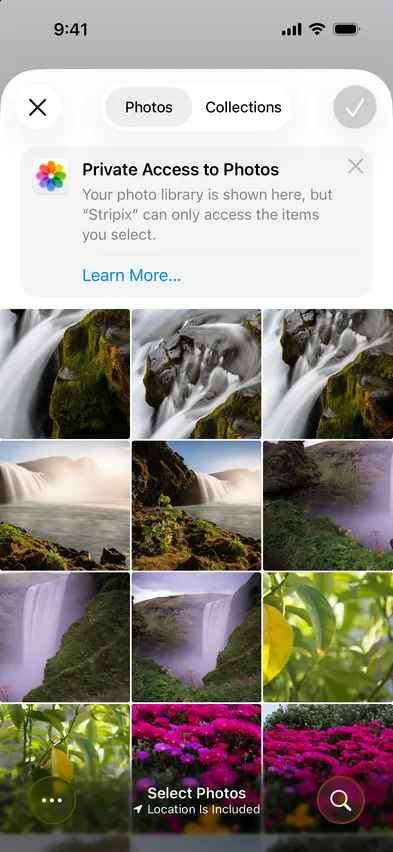
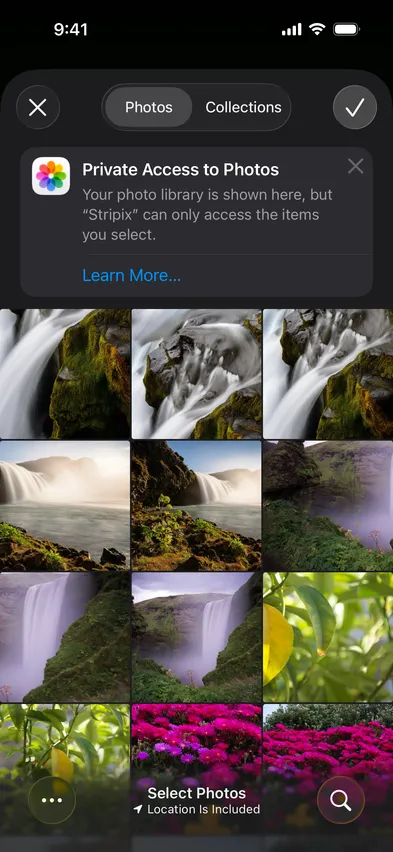
Open Stripix and tap Image → PDF. Pick receipts, scans or screenshots. Limited Photos access works, so Stripix only sees what you pick.


2. Set the page
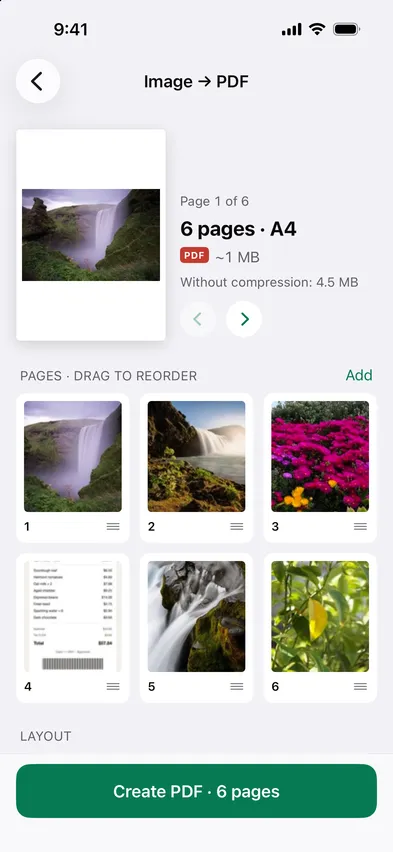
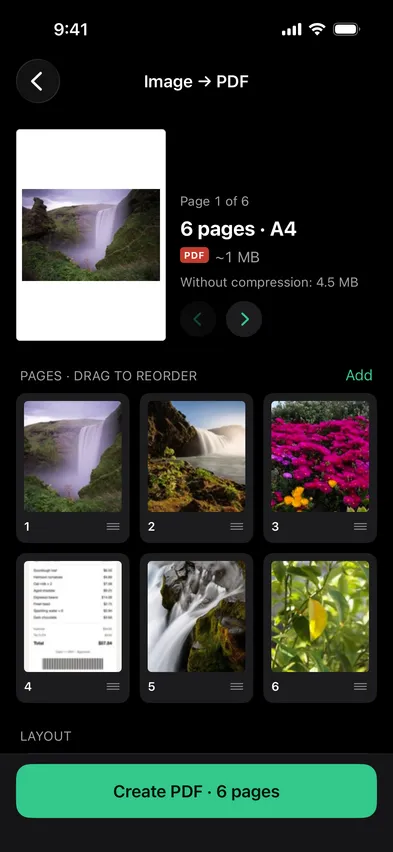
Choose A4 or Letter, or keep the photo’s own size, and Fit or Fill for how each photo sits on the page. Drag the thumbnails to put the pages in order.
3. Set a size target if a portal demands one
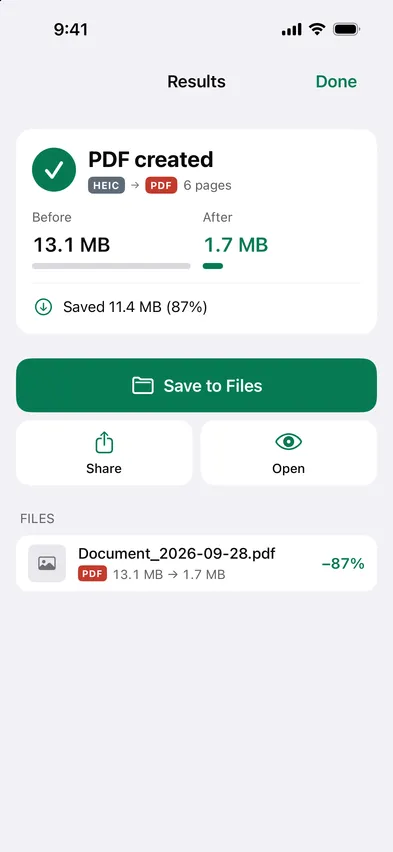
Before you save, Stripix shows the PDF’s estimated size and what it would be without compression. If an upload form has a limit, use the size option on the same screen to bring the file under it.
4. Save and share
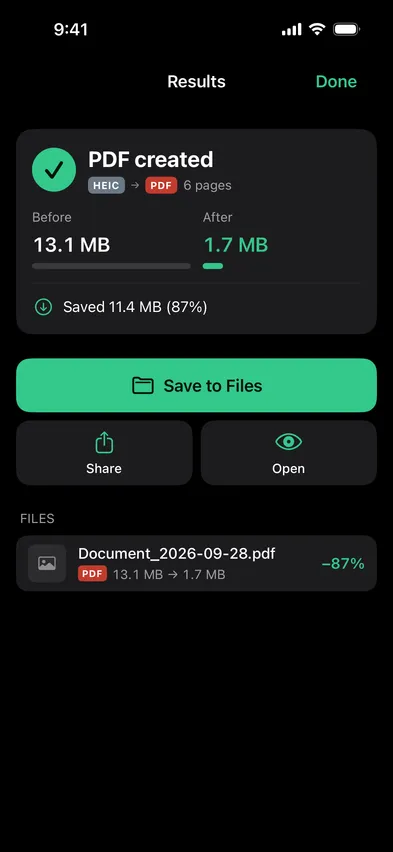
Save the PDF to Files, or share it straight from the results screen. The photos stay in your library as they were.
Make it searchable
Scans and receipts are pictures of text, so a plain PDF of them can’t be searched. Make searchable (OCR) in PDF tools adds the text on your iPhone, and Make a PDF searchable on iPhone shows how.
Common cases
A month of receipts
Pick the month’s receipts, choose Fit so no edge gets cropped, and keep the page size your finance team prints on. Drag them into date order and send one file instead of a dozen photos.
A multi-page scan for a visa portal
Photograph each page, put them in order and check the size before you save. Portals often cap uploads. If the file is still too big, Compress a photo to 200 KB covers the limits these forms use.
Screenshots into one file
A booking, a chat or a set of instructions often spreads over several screenshots. Pick them, drag them into order and send a single PDF.
Questions
Is there a page limit?
The free version turns a single photo into a PDF. Multi-page PDFs need Pro.
Does it keep the photo quality?
Compression is up to you. Stripix shows the PDF's size with and without compression before you save, so you can pick the trade-off.
Can I add the receipts to a report PDF I already have?
Yes. Merge in PDF tools starts with the PDF you open and adds the photos after it, so the report comes first and the receipts follow. Combine a PDF and photos shows how.
Where is the PDF saved?
In Files, where you choose. The photos you picked stay in your library, untouched.