Stripix
Get the app
PDF → TextScanned PDFText

Extract text from a PDF on your phone, scans included

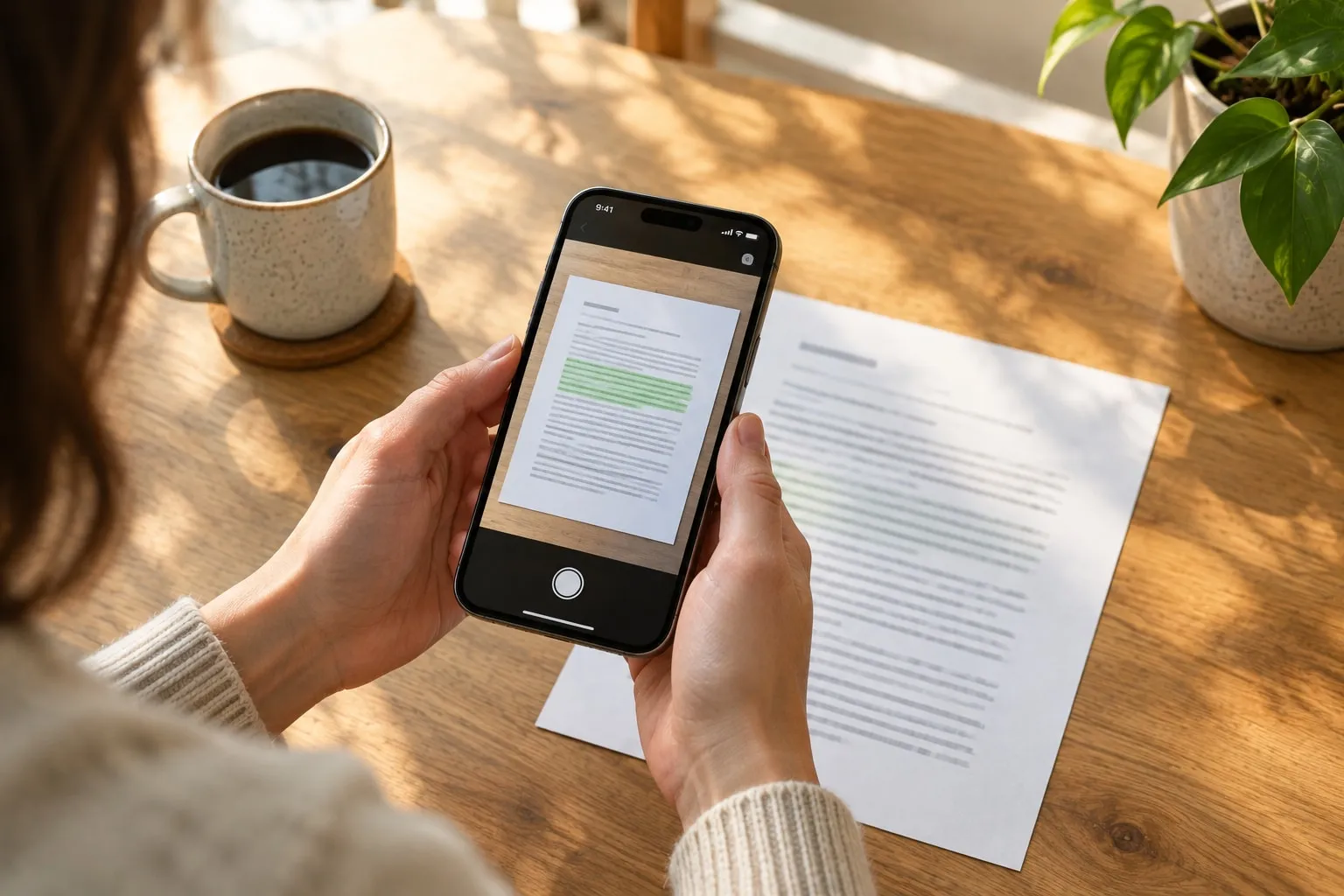
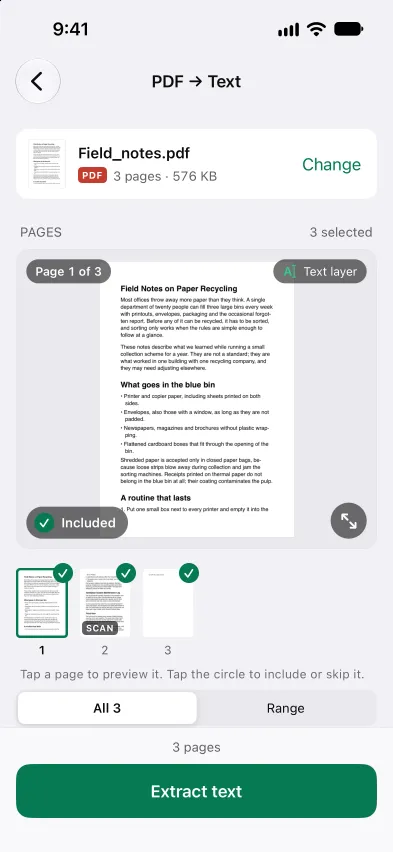
Open Stripix, tap PDF → Text and pick a PDF. Pages with text are read as they are, scanned pages are recognized on your phone, and nothing is uploaded.


Download on the App StoreDownload on the App Store
Free, one PDF at a time. Several PDFs at once need Pro.
On-device · Never uploadedWorks offline
HOW TO IN STRIPIX

How to extract text from a PDF in Stripix

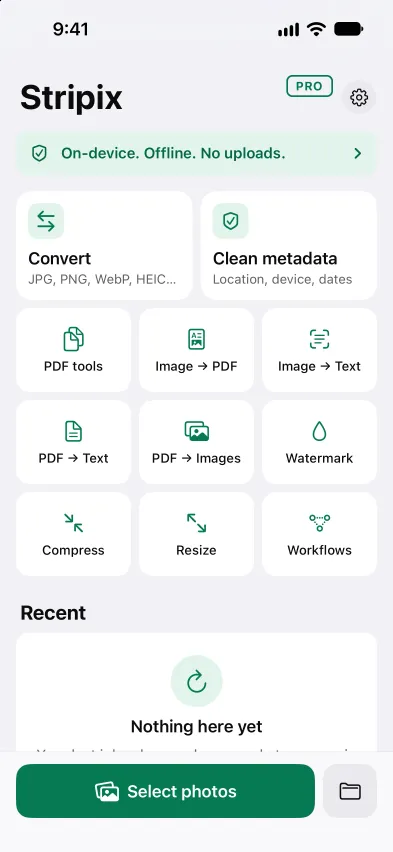
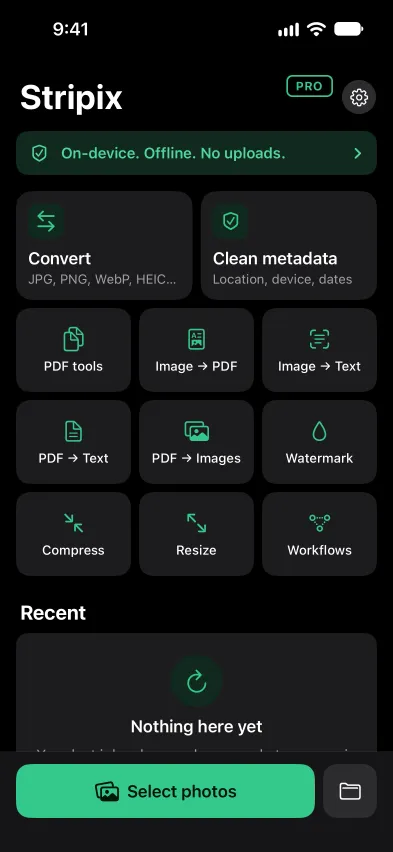
  1. 1Open PDF → TextTap PDF → Text on Home and choose a PDF in Files. Stripix shows how many pages are scans.
    Stripix Home screenStripix Home screen
  2. 2Choose the optionsRecognize text (OCR) reads scanned pages. Page separators puts a “— Page 3 —” line before each page.
    Stripix PDF → Text screenStripix PDF → Text screen
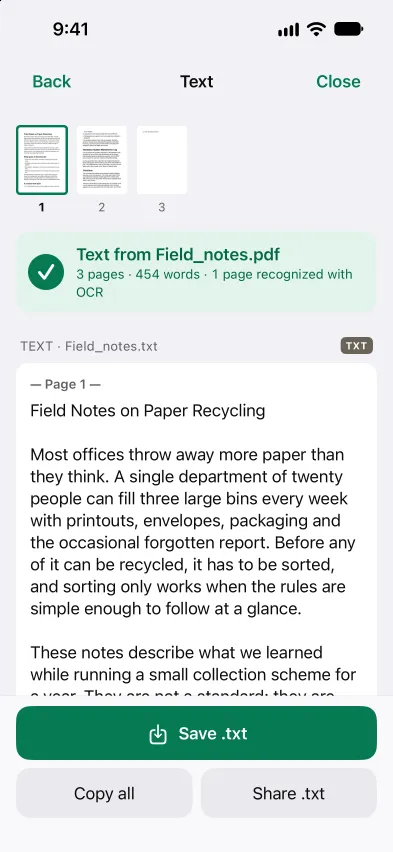
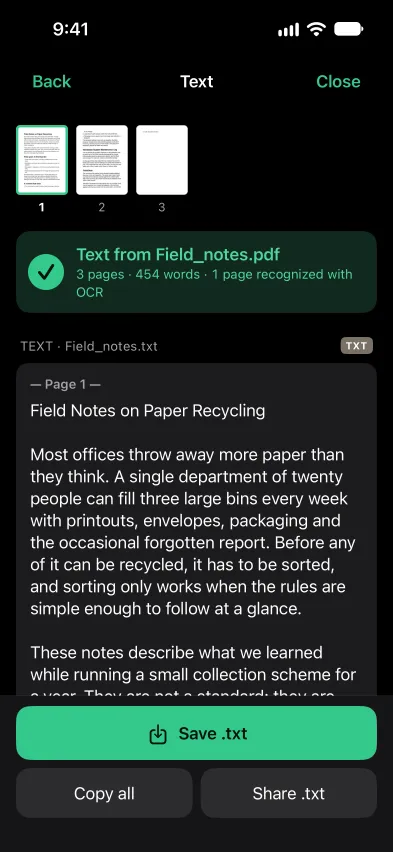
  3. 3Copy or saveTap Extract text. Then Copy all, or Save .txt to keep the text as a file.
    Stripix PDF → Text results screenStripix PDF → Text results screen
WHY ON-DEVICE

Your PDFs stay on your phone

Contracts, statements and forms are the PDFs you least want to upload. Stripix reads them on your phone, with no account and no internet needed, so the PDF and its text never leave the device.

How your data is handled
  1. 1Turn on Airplane Mode
  2. 2Recognize the text
  3. 3Every tool keeps working

Good to know

PDF → Text gives you the words as a text file. To keep the PDF itself and make its scans searchable, use Make searchable (OCR) in PDF tools. For a photo, Image → Text does the same.

Is PDF → Text free?

Yes, one PDF at a time. Reading several PDFs in one go is part of Pro, and you can save the results as one .txt or one .txt per PDF.

Does it read scanned PDFs?

Yes. With Recognize text (OCR) on, scanned pages are recognized on your phone. Pages that already hold text are read as they are.

What do Page separators do?

They put a line like “— Page 3 —” before each page in the .txt, so you can tell where a page starts.

Does it work offline?

Yes. Nothing is uploaded, and no internet is needed.
Stripix

Get the text out of a PDF, offline.

Free to try. Your photos never leave your device.
Get the appiPhone · iPad · Mac · Android phones and tablets