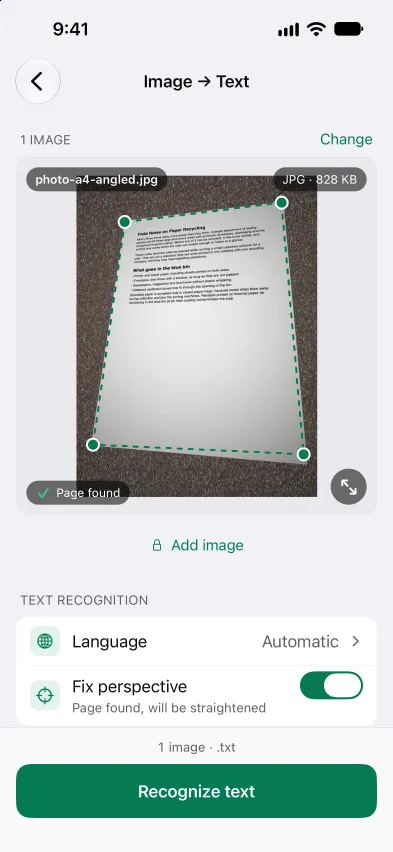
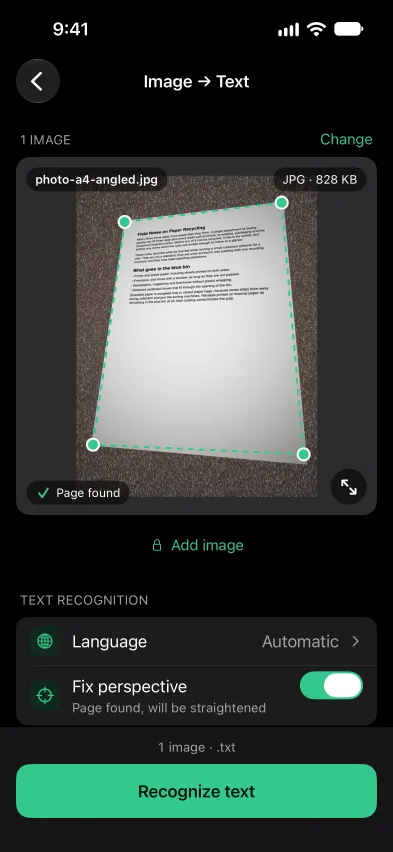
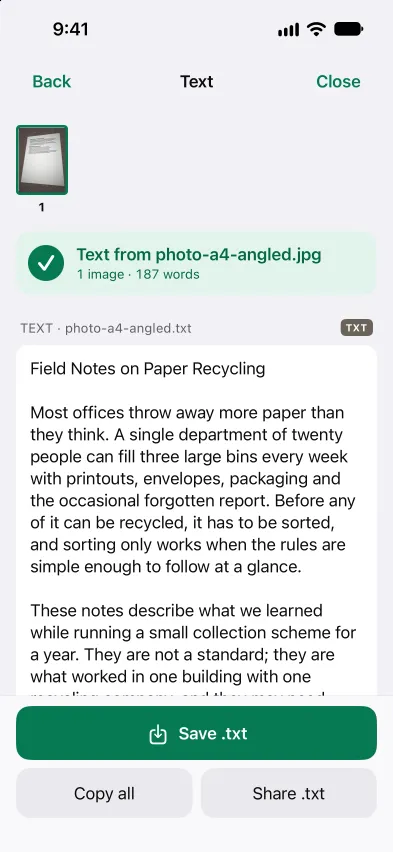
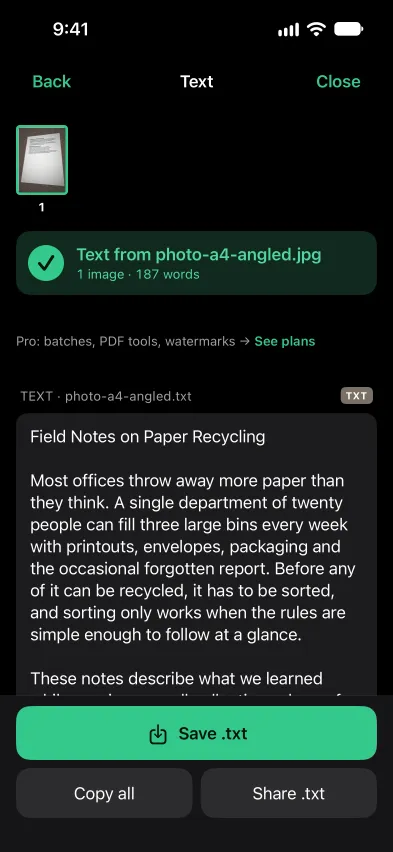
Open Stripix, tap Image → Text and pick a photo. Stripix recognizes the text on your phone, and you copy it or save it as a .txt file. Nothing is uploaded.



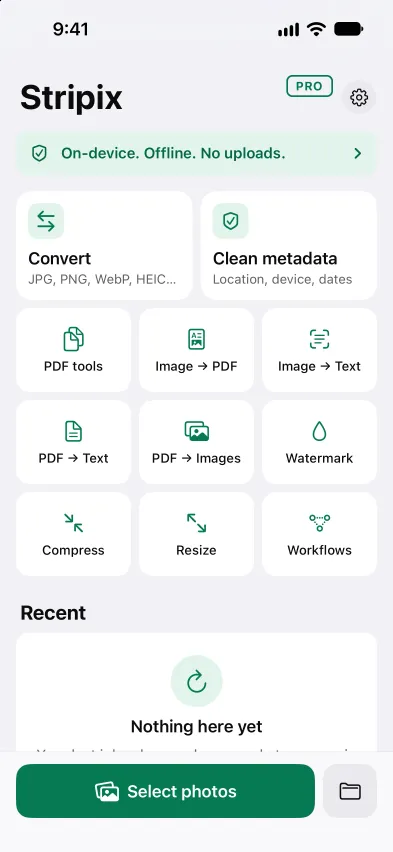
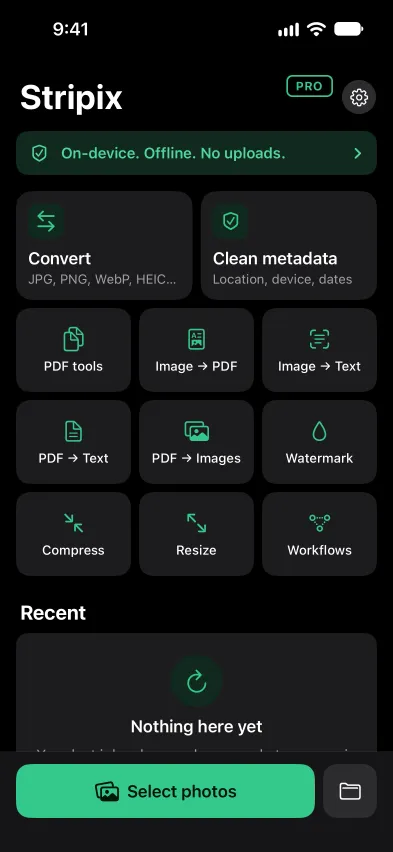
Photos of documents, receipts and letters often hold private details. Online OCR tools need you to upload the image first. Stripix recognizes the text on your phone, with no account and no internet needed, so the image and its text stay with you.
How your data is handledImage → Text reads photos and scans. For a PDF, PDF → Text pulls the text out of every page, scanned pages included.
Yes, one image at a time. Reading several images in one go is part of Pro, and you can save the results as one .txt or one .txt per image.
Yes. The text is recognized on your phone, and nothing is uploaded.
Stripix looks for the page and straightens it before it reads. You can turn Fix perspective off.
Copy all puts it on the clipboard. Save .txt keeps it as a text file, and Share .txt sends the file to another app.
 Stripix
Copy the text from a photo, offline.
Free to try. Your photos never leave your device.